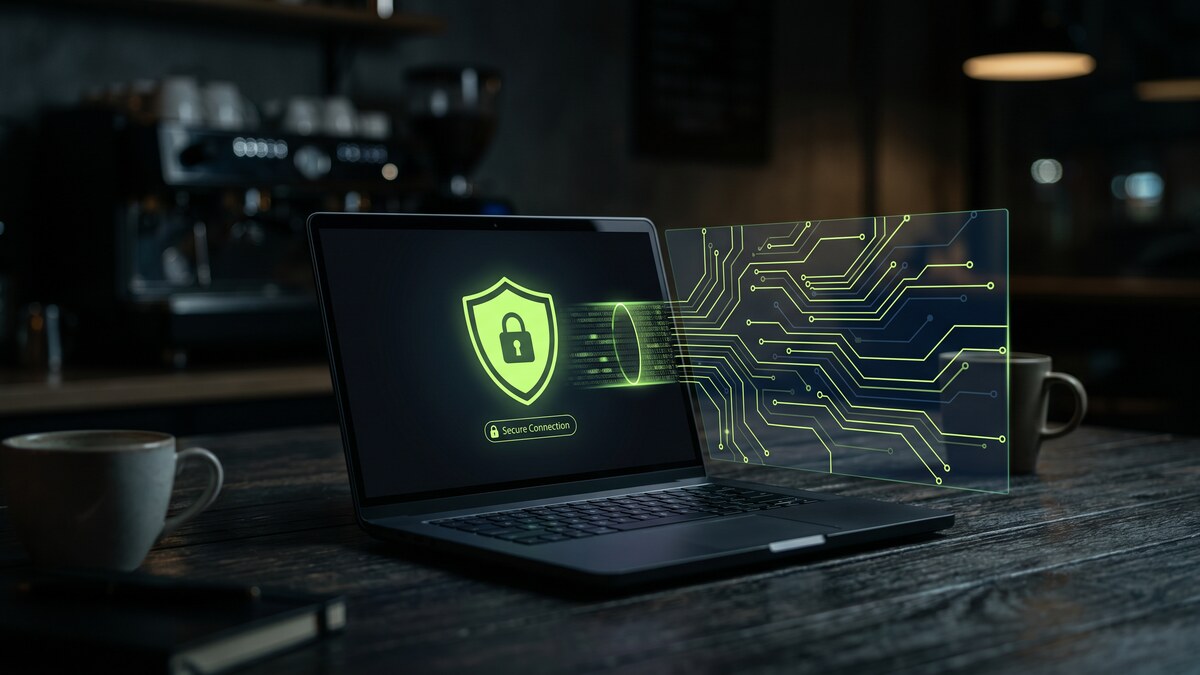
Your laptop is your business. It holds your client contracts, your project files, your invoices, your platform credentials, and your payment details. When you open it at a coffee shop, airport, coworking space, or client site — all of that is exposed on a network you did not set up and cannot control.
The risk is not theoretical. According to DevRunners' 2025 security analysis, 43% of freelancers have experienced a security breach, costing an average of $1,200 in lost income — and that figure does not include lost client relationships, contract terminations, or platform account suspensions that can follow. One Austin developer worked from a coffee shop without a VPN, had his Upwork session intercepted, and had three weeks of earnings withdrawn before the breach was discovered. The platform would not refund because the session appeared legitimate. A graphic designer lost a $4,000 Fiverr account balance the same way.
These are not edge cases. They are the predictable consequences of connecting to unprotected public networks with credentials that have real monetary value attached to them.
Why Freelancers Are Targeted
Attackers follow value and opportunity. Freelancers offer both. The credentials on a typical freelancer's laptop — Upwork, Fiverr, Toptal, Stripe, PayPal, GitHub, Notion, Google Workspace, client Slack workspaces — are worth real money either directly (payment platform takeovers) or as access to client systems and proprietary data.
Unlike corporate employees, freelancers typically work without IT support, without enterprise endpoint protection, without network monitoring, and without cybersecurity training. They work from coffee shops because it is convenient. They connect to hotel Wi-Fi because it is free. They use the same password across multiple platforms because it is easier. Each of these is a known attack surface that attackers specifically target in remote workers.
According to remote work cybersecurity data compiled by SQ Magazine, 68% of remote workers worry about public Wi-Fi risks — yet 67% admit to using it anyway. The awareness exists. The protection often does not.
And the exposure is growing: 78% of organizations reported at least one security incident linked to remote work in 2025, with the average cost of a remote-work-related breach reaching $4.56 million. For a freelancer, even a fraction of that impact — a platform ban, a lost client, a payment reversal — can be financially devastating.
One Tab. Your Entire Business.
CyberFence encrypts every connection from your device with AES-256-GCM before it reaches the coffee shop router — protecting your Stripe dashboard, client portals, and project files on every network you work from.
Start Free TrialWhat Actually Happens on Unprotected Public Wi-Fi
Understanding the specific attacks makes the protection concrete:
Man-in-the-Middle (MITM) Attacks
An attacker positions themselves between your device and the router — intercepting traffic in both directions. Your Stripe dashboard login, client Zoom calls, and GitHub API keys all pass through the attacker. Even HTTPS connections can be targeted through SSL stripping attacks that downgrade them to unencrypted HTTP. With a VPN, your traffic is encrypted before it reaches the router — the attacker captures only ciphertext they cannot read.
Session Hijacking
Attackers steal your active session cookies — the tokens that keep you logged into platforms after you have authenticated. With your session cookie, they can access your Upwork, Fiverr, or banking account without ever knowing your password. They change the email address, change the password, and you are locked out. The session appeared legitimate to the platform because it used your actual session token.
Credential Theft
Login forms submitted over unencrypted connections reveal your username and password in plaintext to anyone monitoring the network. Even on networks that appear to require a password, other users on the same network can intercept unencrypted traffic from your device. 62% of security breaches in 2025 exploited weak or stolen remote access credentials — and for freelancers, "remote access credentials" means every platform login you use in the field.
Evil Twin Hotspots
A malicious Wi-Fi network with a plausible name ("CoffeeShopFree", "CoworkingGuest") captures all traffic from anyone who connects to it. There is no reliable way to distinguish a legitimate hotspot from a malicious one at the network name level. A VPN means it does not matter: your traffic is encrypted regardless of what network the router belongs to.
Client Data and Contractual Liability
If you work with sensitive client data — financial records, legal documents, healthcare information, customer data, proprietary business information — a breach is not just your problem. Most client contracts include data security provisions, and increasingly, clients require contractors to sign MSAs (Master Service Agreements) that make you liable for security incidents.
As discussed in a 2025 Reddit thread in r/Freelancers, many data-handling clients now require freelancers to carry cybersecurity insurance at specified coverage levels — and some require VPN use to be documented in security procedures. A breach that exposes client data can result in contract termination, contractual indemnification obligations, and reputational damage that takes years to recover from.
A VPN is the cheapest and simplest technical control that demonstrates you have taken reasonable steps to protect client data. At $7.99/month, it costs less than one hour of most freelance rates.
What a VPN Protects for Freelancers
- Platform credentials (Upwork, Fiverr, Toptal, etc.): Encrypted before they leave your device, on any network
- Payment platform access (Stripe, PayPal, Wise, bank accounts): Session data and login credentials encrypted end-to-end
- Client project files and cloud storage: Traffic to Google Drive, Dropbox, Notion, GitHub is encrypted through the VPN tunnel
- Client communication: Email, Slack, and messaging apps are protected on any network
- API keys and developer credentials: For technical freelancers, API keys and access tokens in transit are encrypted
- Your browsing from your ISP: ISPs can track and sell your browsing history. A VPN routes your DNS queries through encrypted resolvers, removing ISP visibility entirely
- Your location and identity from websites: Your real IP address is replaced with the VPN server's address, preventing IP-based tracking and targeting
Practical Setup for Freelancers
Getting protected takes about five minutes:
- Install on every device you work from — laptop, phone, tablet. Freelancers routinely access client platforms from all three.
- Enable the kill switch. If your VPN drops unexpectedly during a coffee shop session, a kill switch cuts your internet connection immediately rather than letting your credentials revert to an unencrypted channel.
- Connect before opening any work application. Before Stripe, before Upwork, before client email — connect to the VPN first. Not after you have already submitted credentials to a login form.
- Use it on home Wi-Fi too. Home routers are targeted. 38% of cyberattacks in 2025 targeted home routers and remote access infrastructure. ISPs also log and sell home broadband data. A VPN protects you at home as much as at the coffee shop.
- Do not disable it for "faster" connections. Modern VPN protocols add minimal latency for standard work tasks. The performance trade-off is not worth the security exposure.
What to Look for in a Freelancer VPN
- AES-256-GCM encryption: The encryption standard that makes captured traffic unreadable. Do not use a free VPN — many collect and sell user data, which defeats the purpose entirely and may create client liability issues.
- Zero-logs policy: Your VPN provider should store no records of your connections, sessions, or browsing activity. Logs that exist can be breached or subpoenaed.
- Multi-device support: One subscription should protect all your devices simultaneously.
- DNS-level threat blocking: Web Shield protection that blocks access to known phishing sites and malware distribution domains at the DNS level adds an additional layer against one of the most common freelancer attack vectors.
- Affordable pricing: CyberFence is $7.99/month — or $7.35/month on the annual plan. For the protection it provides, it is the most cost-effective security decision a freelancer can make.
Protect Your Business From the First Connection
CyberFence uses AES-256-GCM encryption, a zero-logs policy, Web Shield DNS blocking, and a kill switch on every device. Less than $8/month for complete protection on any network, anywhere you work.
View PlansThe Bottom Line
Your freelance business runs on credentials, client trust, and platform access. All of those are at risk on any network you did not set up. The coffee shop, the coworking space, the hotel lobby — each one is an opportunity for someone else to capture a session cookie and drain your platform balance before you notice.
A VPN encrypts your connection end-to-end on every network. It costs $7.99/month. It takes five minutes to set up. And it is the most direct protection available against the specific threats freelancers face when working remotely.
Start CyberFence's Free Trial before your next coffee shop session — and connect before you open a single work platform. For more on how VPN protection works in different remote scenarios, see our guides on is public Wi-Fi safe and what your ISP can see even with a VPN.