Simple By Design
How CyberFence VPN Works
Protected in Under 60 Seconds.
CyberFence was built so that anyone — regardless of technical background — can be fully protected without reading a manual or calling IT.
Create Your Account
Sign up at cyberfenceplatform.com in seconds. Choose monthly at $7.99/mo or annual at $88.21/yr ($7.35/mo).
Your account is the hub for everything — subscription, Breach Monitor, devices, and settings. Then download the app on any device: iPhone, iPad, Android, Mac, or Windows.
 iPhone / iPad
 Android
 Windows
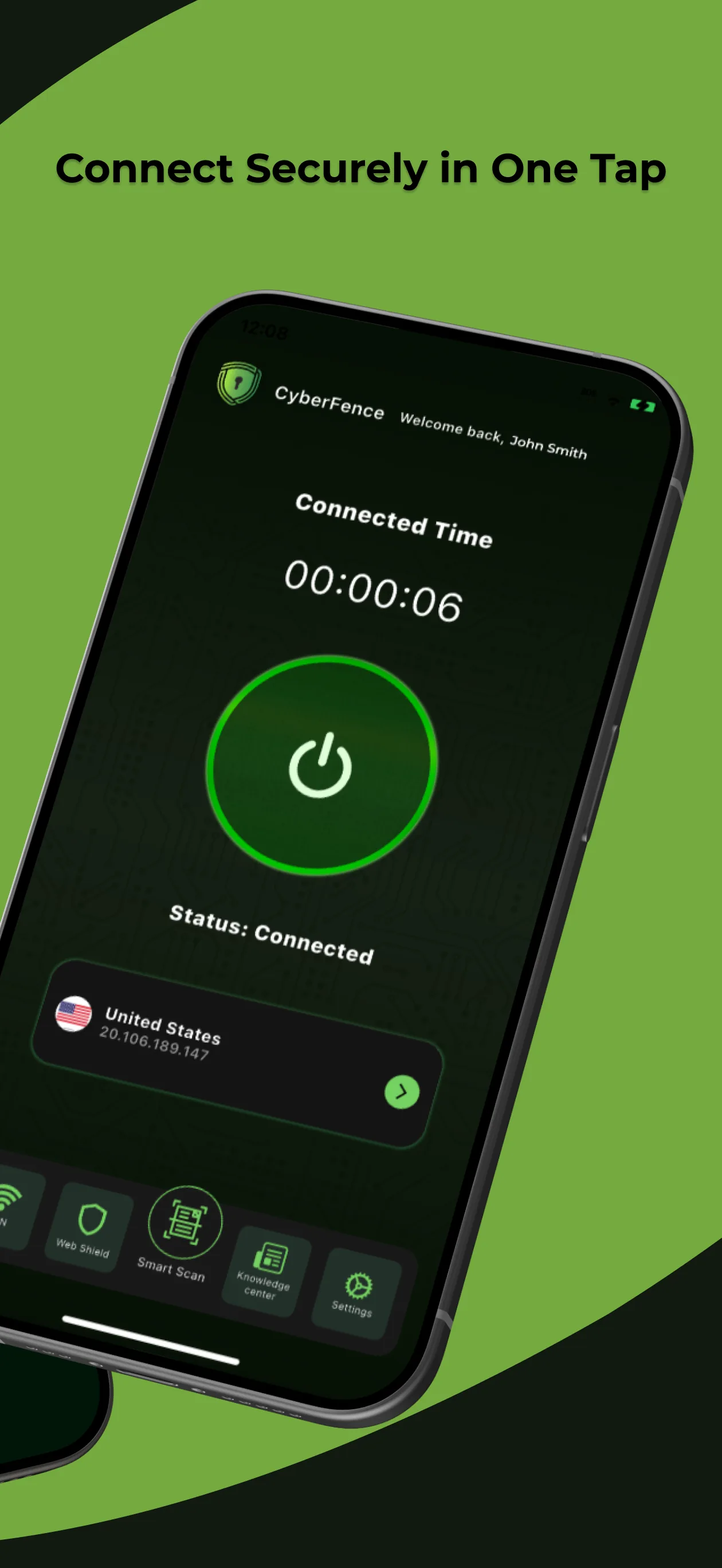
Download on Your Devices
Install CyberFence on any or all of your devices. One account covers iPhone, iPad, Android, Mac, and Windows simultaneously.
Available on the App Store, Google Play, Mac App Store, and direct download for Windows. The install takes under a minute on any platform.
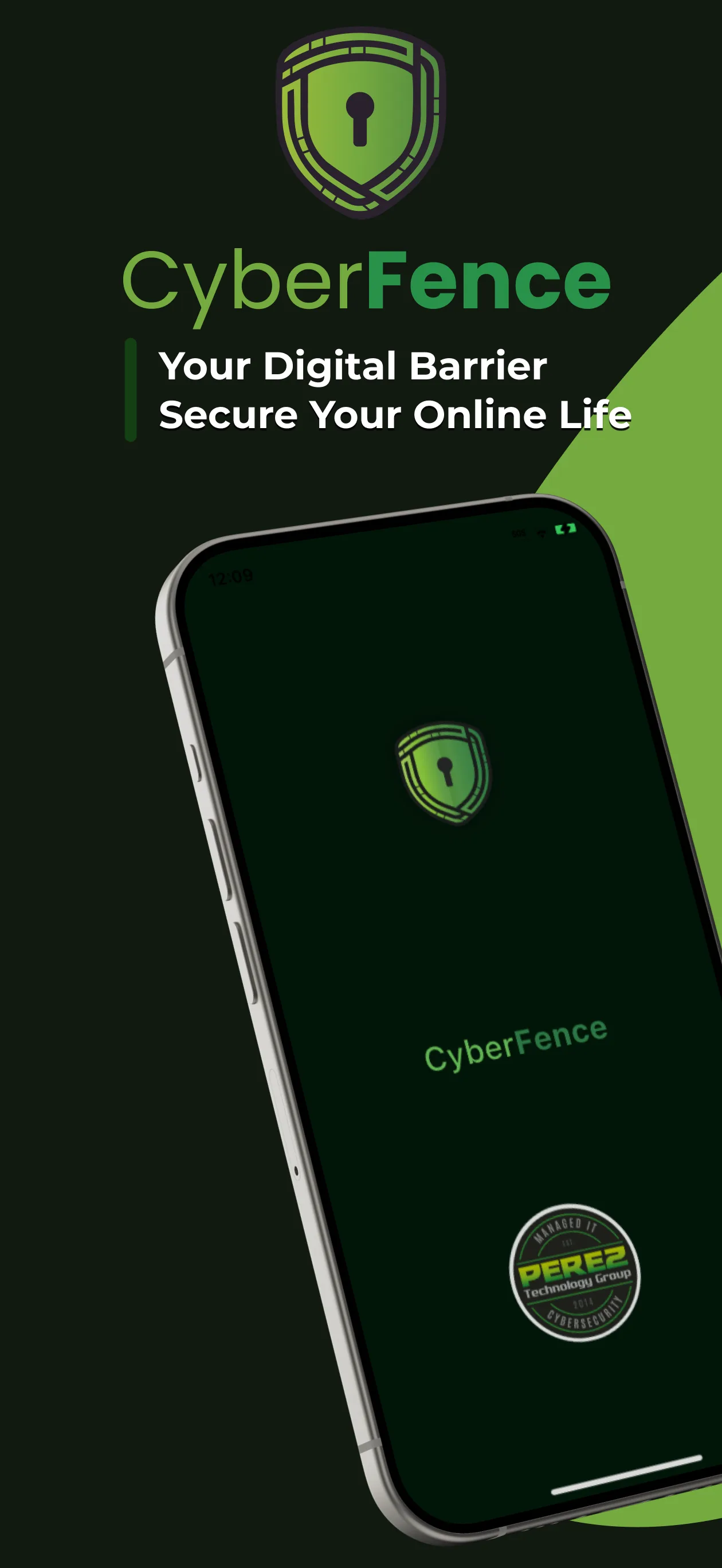
Tap to Protect
Hit the green power button. Your connection is instantly encrypted through a US-based server and your Web Shield activates automatically.
That's it. CyberFence runs silently in the background protecting every app, every connection, every request.
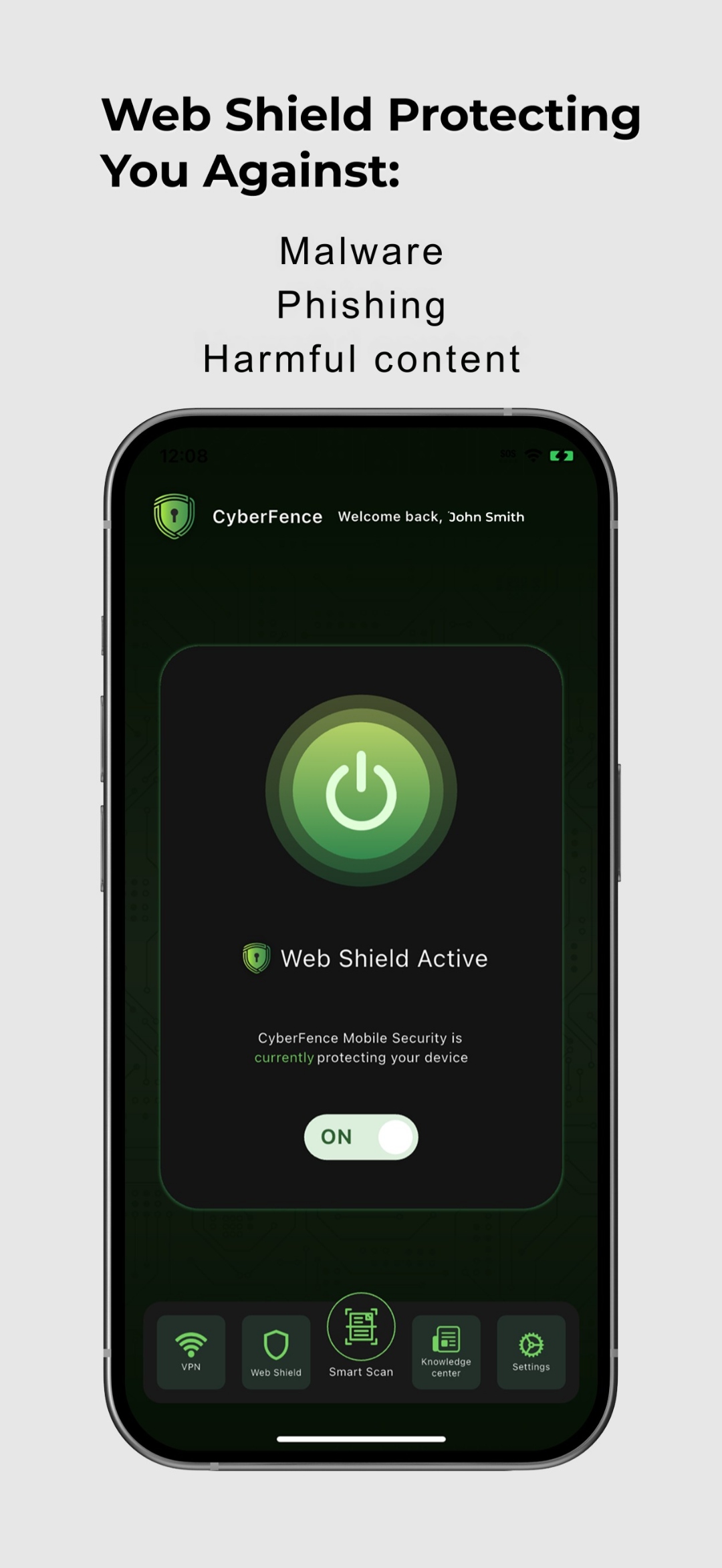
Under the Hood
What CyberFence Does the Moment You Connect
Behind the one-tap simplicity is enterprise-grade technology working continuously to protect you.
Encrypts All Traffic
Every byte leaving your device — from any app — is wrapped in AES-256 encryption before touching the network.

Routes Through US Servers
Your encrypted traffic exits through a US-based server, giving you a US IP address under US legal protections.
Web Shield Activates
Every website request is checked in real time. Malware, phishing sites, and harmful content are blocked before loading.
Ads & Trackers Blocked
Intrusive ads are removed and invisible tracking scripts are prevented from loading across all your apps and browsers.
DNS Requests Secured
Your DNS queries — the lookup requests that translate website names to addresses — are encrypted and filtered.
Nothing Logged
CyberFence never records what you browse, which apps you use, or what you send. Your activity is yours alone.
Common Questions
Will it slow down my internet?
Minimal impact. CyberFence is optimized for speed. For everyday browsing, streaming, and email the difference is imperceptible.
Does it drain my battery?
CyberFence is designed to be efficient. VPN apps use some additional battery, but our implementation is optimized to minimize this impact.
Do I need to keep it open?
No. Once connected, CyberFence runs in the background automatically. You can close the app and stay protected.
Can I turn it off?
Yes. Tap the power button again to disconnect at any time. You're always in control.
Does it work abroad?
Yes. CyberFence works in any country. Your traffic routes through US servers wherever you are in the world.