Also on CyberFence: compare CyberFence to other VPNs side-by-side · the free CyberFence security tools .
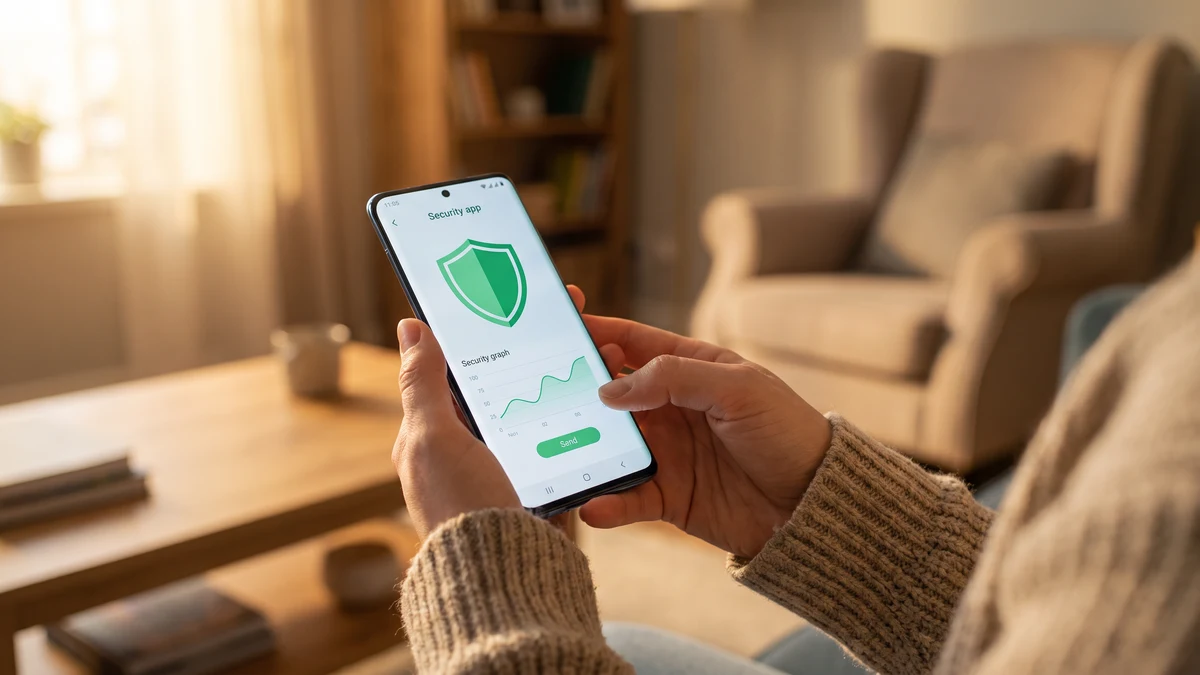
Android runs on more than 3 billion active devices worldwide and holds roughly 42 percent of the US smartphone market. It is also the mobile platform with the widest threat surface — an open app ecosystem, sideloading, hundreds of device manufacturers, uneven update timelines, and system-level VPN and DNS APIs that let real security apps do things they cannot do on iOS. That last point matters more than most buyers realize. A cybersecurity app on Android can genuinely protect you in ways that are simply not possible on an iPhone.
The trade-off is that shopping for one in the Play Store is confusing. Half the top results are free "VPN" apps that route your traffic through untrusted proxy networks, and the other half are old-school antivirus scanners that add battery drain without addressing the threats most Android users actually face in 2026. This guide is about what an Android cybersecurity app should actually do this year — and why CyberFence is built to cover all of it in one install.
What the real Android threat picture looks like in 2026
Ignore the antivirus marketing. Here is what actually gets Android users compromised or exposed right now:
- Phishing links in SMS, WhatsApp, and email — "smishing" targeting delivery notifications, bank alerts, and MFA prompts is the number-one attack vector against phones. It works because the fake login page looks identical to the real one on a small screen.
- Public and hotel Wi-Fi interception — every airport, coffee shop, and hotel network is untrusted. Modern HTTPS protects a lot, but DNS lookups, metadata, and any tool that falls back to plaintext still leak.
- ISP and carrier tracking — Verizon, AT&T, and T-Mobile can see every domain you visit on mobile data and, in the US, are legally allowed to sell aggregated browsing data to advertisers.
- Malicious ads and tracker networks — the majority of "malware" served to Android phones now comes through ad networks and tracker scripts embedded in legitimate apps and websites, not through malicious apps directly.
- Fake VPN and utility apps in the Play Store — Security researchers recently identified hundreds of free "VPN" apps that were quietly routing user traffic through commercial proxy networks or selling location data.
- Credential exposure from data breaches — a leaked password from any service you use gets tried against your Gmail, banking, and social accounts within hours.
Notice that classic "install this app, run a scan" antivirus does not address any of the top six. The threats that actually hit Android users in 2026 happen on the network, at the DNS layer, and through phishing — not through malicious APKs sitting in your files.
All four Android security layers in one install
CyberFence is a US-operated VPN that helps keep your browsing private from the network while connected. Web Shield helps block known harmful websites. Choose the protection that fits your devices and needs. Personal VPN plans start at $7.99/month with monthly billing. Cancel renewal anytime. Breach Monitor is a separate paid feature or included with Complete.
Get ProtectedThe four layers a real Android cybersecurity app must cover
1. Encrypted VPN tunnel
Every packet leaving your phone should be encrypted from the device to a trusted server. This is what protects you on hotel Wi-Fi, airport Wi-Fi, coffee shop networks, and public transit hotspots. It also stops your carrier from logging and selling your browsing history on mobile data.
On Android specifically, the VPN API is deep and reliable — real system-level "always-on VPN" with a kill switch works the way it should. Look for AES-256-GCM encryption, WireGuard or comparable modern protocols, a verified zero-logs policy, and US operation (not just US servers).
2. DNS-level phishing and malware blocking
This is the layer most "VPN" apps skip and it is the one that saves you from smishing. When a fake bank alert lands in your text messages and you tap the link, the phone tries to look up the domain of the phishing page. A DNS-level blocker refuses to resolve known phishing and malware domains, so the fake login page never loads at all. This works in every browser, every messaging app, and every email client on the phone.
CyberFence's Web Shield is exactly this. It runs at the DNS layer through the VPN tunnel, so it protects Chrome, Samsung Internet, Firefox, Gmail, Outlook, Messages, WhatsApp, Instagram in-app browsers, and every other place a link can land.
3. Ad and tracker blocking
Beyond privacy, this is a security control. Most drive-by malware on Android now arrives through malicious ad networks and tracker scripts loaded on legitimate sites. Blocking those at the DNS layer removes the delivery mechanism entirely. It also makes the phone faster and saves data.
On Android, DNS-level ad and tracker blocking works system-wide when it runs through the VPN tunnel — again, something the iOS platform makes harder. CyberFence's Web Shield covers this alongside the phishing block.
4. Breach monitoring
The average person's email address appears in more than 10 known data breaches over their lifetime. When a service you use gets breached, your password ends up in credential-stuffing lists, and attackers try it against Gmail, banking, and social accounts within hours. A modern Android security app should monitor your email against known breach corpuses and alert you to rotate credentials fast.
CyberFence Breach Monitor covers this. Add your primary email addresses in the app and you get alerted the same day if new breach exposures surface.
What to ignore
The Play Store's top "security" listings are full of features that were relevant a decade ago and do not address 2026's real threats. Give these low weight:
- APK scanners and "virus scans" — Google Play Protect already scans installed apps continuously. A second scanner adds battery drain, not protection, unless you frequently sideload.
- "Booster," "cleaner," and "memory optimizer" bundles — Android manages memory itself. These features are marketing.
- Free VPNs — someone has to pay for the bandwidth. If you are not paying, your traffic almost certainly is.
- App locks and photo vaults inside security apps — Android already has app-level PINs and encrypted storage. Bundled versions of these features are rarely as strong as the OS-native equivalents.
How to set up CyberFence on Android in five minutes
- Install CyberFence from the Play Store — search "CyberFence" or use the direct link from the CyberFence site.
- Sign in and review the available plans. Website subscriptions are paid; any app-store offer follows the terms shown in the store.
- Grant the VPN permission — Android will show a system prompt asking to set up a VPN connection. This is normal.
- Turn on "Always-on VPN" and "Block connections without VPN" — Android Settings → Network & Internet → VPN → CyberFence → tap the gear → enable both. This makes the phone refuse to send any traffic unencrypted, including when the app is closed.
- Enable Web Shield in the CyberFence app — this turns on the DNS-level phishing, malware, and ad/tracker blocking.
- Add your email addresses to Breach Monitor — you will get alerted the same day if any of them show up in new breach exposures.
How the pricing compares
CyberFence is $7.99/mo monthly, or $88.21/yr annually — $7.35/mo, save 8%. That includes the VPN, Web Shield DNS blocking (phishing + malware + ads + trackers), Breach Monitor, and support from a US-based team. One subscription covers every device you use — Android, iOS, Windows, Mac — not a separate app or add-on per platform.
By comparison, many competitors charge separately for the VPN and the anti-phishing/anti-tracker layers, and most "free" security apps quietly monetize your browsing data. The math works out heavily in favor of a single, US-operated, zero-logs subscription that covers all four layers.
Get all four layers now
CyberFence is a US-operated VPN that helps keep your browsing private from the network while connected. Web Shield helps block known harmful websites. Choose the protection that fits your devices and needs. Personal VPN plans start at $7.99/month with monthly billing. Cancel renewal anytime. Breach Monitor is a separate paid feature or included with Complete.
Get ProtectedBottom line
The best Android cybersecurity app in 2026 is not an antivirus scanner. It is an integrated stack: an encrypted VPN with modern protocols, DNS-level phishing and malware blocking that works across every app, system-wide ad and tracker blocking, and breach monitoring on the email addresses attached to your accounts. CyberFence combines all four in one install, one subscription, and one company — US-operated, zero logs, aligned with HIPAA, NIST, CMMC, and SEC guidance. Install it, turn on Always-on VPN, enable Web Shield, and Android's threat surface shrinks to what actually matters.
Want to go deeper? Read the CyberFence competitor comparison hub , our free privacy and security tools , or CyberFence plans and pricing .