Web App
The CyberFence Platform.
Manage, Monitor & Protect — From Any Device.
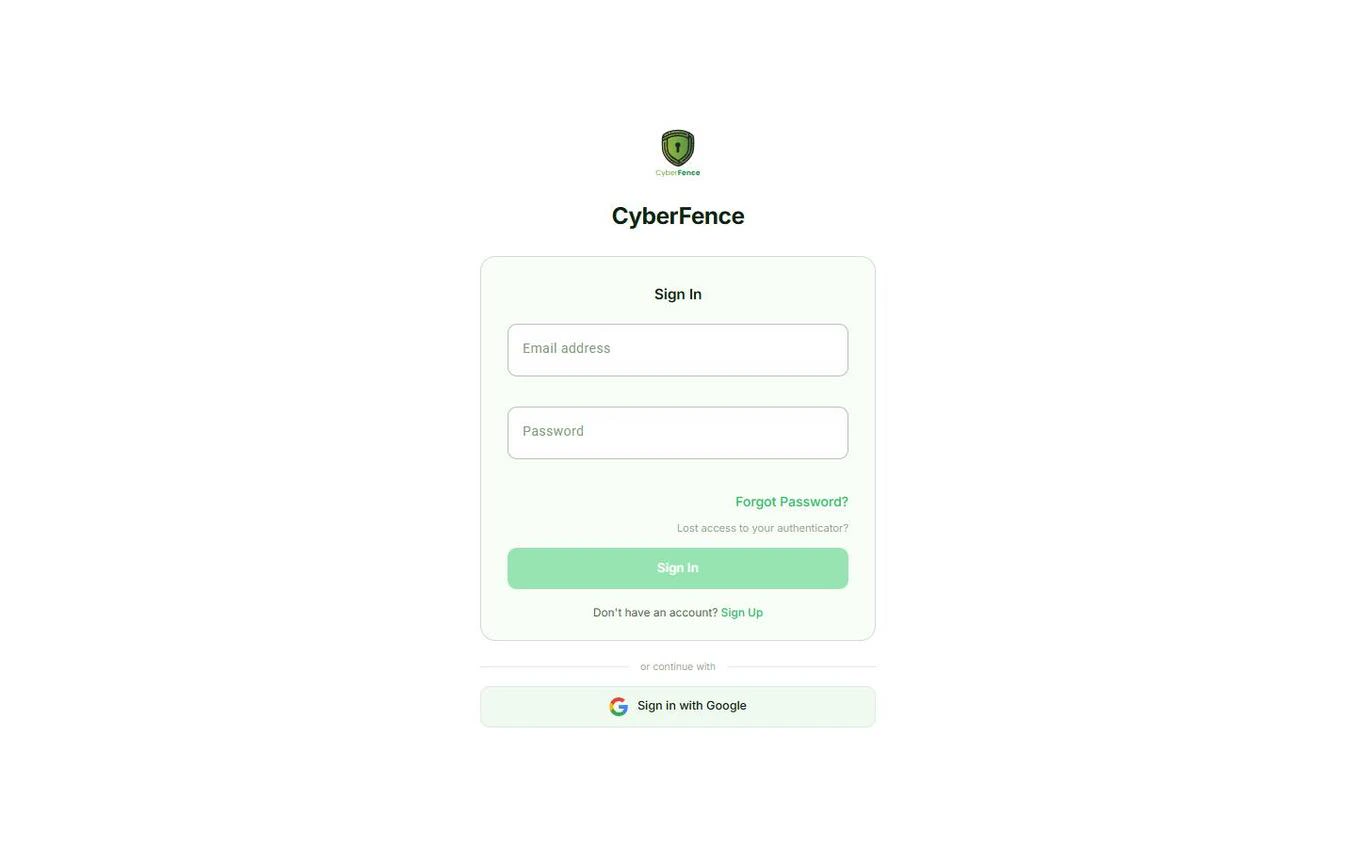
The CyberFence web app gives you complete account control from any browser on any device. Run Breach Monitor scans, manage your subscription, view invoices, and configure your security settings — without installing a thing.
What's Inside
Everything You Can Do in the Web App
Dashboard
Your security command center. See your current IP address, VPN status, CyberFence service health, and a live subscription status — all at a glance. Download links for every platform are always one click away.
- Live IP address and location display
- VPN connection status and alerts
- CyberFence service health indicator
- Subscription status at a glance
- Direct download links for all platforms

Breach Monitor
The web app is home to Breach Monitor — CyberFence's standalone identity protection service. Scan your email address against 15 billion+ breach records, get instant results, and stay ahead of compromised credentials.
- Scan any email against 15B+ breach records
- Instant results with clear status indicator
- Daily automated scans with email alerts
- Severity ratings and action guides per breach
- PDF breach report export

My Devices
See every device connected to your CyberFence account in one place. Easily review your registered devices and keep your account secure — all from the browser, no app needed.
- View all devices linked to your account
- Device name and platform identification
- Manage connected devices remotely
- Works across iOS, Android, Mac, and Windows

Help Center
Step-by-step setup guides and feature walkthroughs for every platform — right inside the app. Whether you're connecting for the first time or exploring advanced features, the Help Center has you covered.
- Platform-specific connection guides (iOS, Android, Mac, Windows)
- Feature overviews and how-to articles
- Always up to date with the latest app version
- Accessible without leaving the web app

Push Notifications
Stay informed the moment something matters. Enable push notifications to get instant breach alerts, subscription renewal reminders, expiration warnings, and weekly security tips — directly in your browser.
- Instant alerts when your data is found in a breach
- Renewal reminders before your subscription expires
- Expiration alerts so you never lose protection
- Weekly security tips and digest

Settings
Full account control in one place. Switch between Dark, Light, or System appearance, choose from 13 languages, manage privacy preferences, and configure email notifications — all without touching a native app.
- Dark / Light / System theme toggle
- 13 languages — full app translation
- No-Log Policy and Zero Data Retention disclosure
- Email and browser notification preferences
- Two-factor authentication management

Subscription & Billing
Your complete billing hub. View your active plan status, browse billing history, download invoices, and see which platforms your subscription covers — all synced in real time across every CyberFence device.
- View active plan and subscription status
- Full billing history with invoice downloads
- See all covered platforms (iOS, Android, Mac, Windows)
- Upgrade or switch plans
- Syncs instantly across all devices

Also in the Web App
Two-Factor Auth
Set up and manage TOTP-based 2FA directly from the web app — no native app required.
What's New
Stay up to date with the latest CyberFence features, improvements, and security updates.
FAQ
Quick answers to common questions about CyberFence plans, features, and account management.
One Account, All Platforms
The Web App Is One of Five.
Your CyberFence subscription works everywhere. The web app shares your account with the native apps on every platform — same login, same plan, same protection.


Get Protected Today
One account. All 5 platforms. Cancel anytime.
Please enter a valid email address.
We'll create your CyberFence account with this email.
“Finally a VPN I trust for my practice — US-based, HIPAA-ready, and simple enough that my whole team actually uses it.” — Healthcare Practice Owner, Florida
🔒 Secured by Stripe · Cancel anytime
Loading secure payment form…
🔒 Payments processed by Stripe. Your card data never touches our servers.
You're Protected.
Your CyberFence subscription is active. Check your email — we sent a link to set your password and download the app.
Also download on your other devices:
One account covers all your devices. Check your email for your password setup link.