Also on CyberFence: compare CyberFence to other VPNs side-by-side · the free CyberFence security tools .
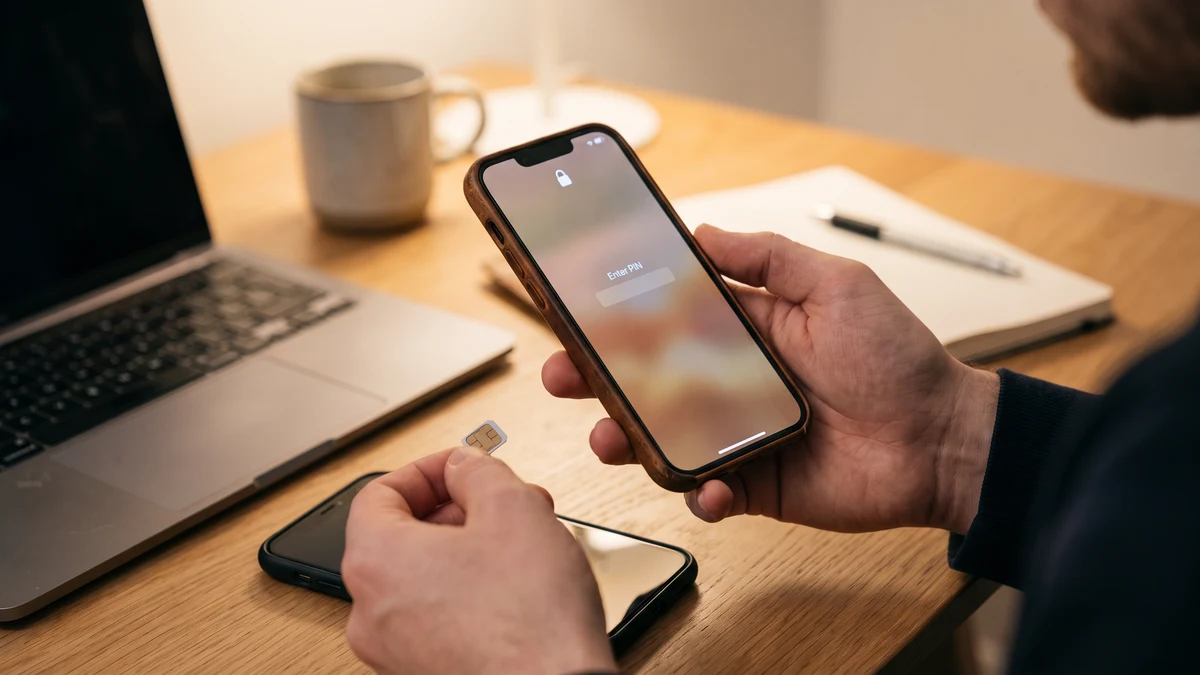
If you've read enough cybersecurity advice, you already know a VPN encrypts your internet connection and hides your IP address. So it's a reasonable question to ask: does that also stop SIM swapping — the attack where a criminal takes over your phone number?
The short answer is no. A VPN operates entirely inside your device's data connection. SIM swapping happens one layer below that, at your mobile carrier's account system, before any VPN app on your phone is even involved. But the full answer is more useful than a flat no, because understanding exactly where a VPN's protection ends is what tells you what you actually need to add to close the gap.
What SIM Swapping Actually Is
SIM swapping (also called SIM hijacking or a port-out scam) is an attack where someone convinces your mobile carrier to move your phone number onto a SIM card they control — either by impersonating you over the phone or online, or in some cases through insider help at the carrier. Once the swap goes through, every call and text meant for you, including one-time passcodes and account recovery links, arrives on the attacker's device instead of yours (Norton).
The attack chain typically looks like this:
- Information gathering — The attacker collects personal details about you from data breaches, social media, or phishing, enough to convincingly impersonate you to a carrier's support line.
- Social engineering the carrier — Posing as you, the attacker contacts your mobile provider and requests that your number be transferred to a new SIM, claiming a lost or damaged phone.
- The swap completes — If the carrier's verification isn't strong enough, the number moves. Your phone typically loses signal entirely at this point — often the first sign something is wrong (Trend Micro).
- Account takeover — With your number in hand, the attacker requests password resets and SMS-based two-factor authentication codes for your email, bank, and crypto accounts, using your own phone number to unlock them.
This is why SIM swapping is so damaging: it doesn't just steal one account, it hands over the recovery mechanism for nearly all of them. Most people's email, banking, and social accounts all funnel password resets to the same phone number.
Why a VPN Doesn't Touch This Attack
A VPN's job is to encrypt the data traveling between your device and the internet, and to mask your IP address from the sites and services you connect to. That's genuinely valuable for stopping traffic interception on public Wi-Fi, hiding your location and browsing from your internet provider, and blocking certain tracking and man-in-the-middle attacks.
None of that intersects with how SIM swapping works. The attack targets your relationship with your mobile carrier — a phone call or online chat session between the attacker and a support representative. Your VPN app has no visibility into that conversation and no control over your carrier's identity verification process. A VPN protects data in transit over your internet connection; it has no mechanism to intervene in a voice call to a carrier's customer service line or a fraudulent request submitted through a carrier's web portal.
Put simply: a VPN secures the pipe your data flows through. SIM swapping bypasses the pipe entirely and goes straight to the phone company.
A VPN Is One Layer — Not the Whole Wall
CyberFence encrypts your connection with AES-256-GCM encryption, blocks phishing and malicious sites at the DNS level with Web Shield, and monitors the dark web for your exposed credentials with Breach Monitor — the kind of leaked personal data attackers use to social-engineer a SIM swap in the first place.
See Plans →How Big a Problem Is SIM Swapping, Really?
SIM swapping has actually declined from its peak, but it remains a real and costly threat. The FBI's Internet Crime Complaint Center (IC3) logged 982 SIM swap complaints in 2024 with $25,983,946 in reported losses — down sharply from the 2022 peak of 2,026 complaints and $72,652,571 in losses (FBI IC3 data via Efani). That decline is largely credited to a Federal Communications Commission rule, adopted in November 2023 and enforced starting July 2024, requiring every US wireless carrier to use secure authentication before honoring a SIM swap or number port-out request (FCC rule summary).
The average reported loss per victim still runs well into the tens of thousands of dollars, and cryptocurrency accounts remain the single most attractive target because crypto transfers, unlike most bank wires, generally can't be reversed once completed. The FCC's rule helped, but it didn't eliminate the risk — it raised the bar for carriers, not for individual account security, which is still mostly on you.
What Actually Stops SIM Swapping
Because the vulnerability lives at the carrier level and in how your accounts recover access, the fixes live there too:
- Set a carrier PIN or port-out lock. Every major US carrier — Verizon, AT&T, T-Mobile — lets you add a separate PIN or passcode that must be provided before any SIM change or number port is processed. This single step blocks the vast majority of social-engineering attempts, since the attacker won't have it (Aura).
- Move off SMS-based two-factor authentication. Wherever a service offers it, switch to an authenticator app (like Google Authenticator or Authy) or a hardware security key. These generate or store codes independently of your phone number, so a SIM swap doesn't hand the attacker anything (Trend Micro).
- Stop using your phone number as an account recovery method. Where possible, use a dedicated recovery email or authenticator app instead. Every account tied to "text me a code" is an account exposed if your number is ever swapped.
- Limit what attackers can learn about you. SIM swapping relies on the attacker convincingly answering a carrier's identity challenge questions — birthdate, address, account PIN hints. Reducing your public data footprint and knowing if your information has already leaked in a breach makes you a harder target to impersonate.
- Watch for the warning sign. Sudden, unexplained loss of cell signal — no calls, no texts, no data — when you haven't changed anything is the classic first indicator of a completed SIM swap. Contact your carrier immediately if this happens.
Where a VPN Fits Into the Bigger Picture
A VPN isn't the tool that stops SIM swapping, but it's part of a layered defense that reduces how much attackers can learn about you and how exposed your other accounts are. Two specific ways this connects:
Breach monitoring catches leaked data before it's weaponized. SIM swap attackers build their impersonation script from data that's already leaked in prior breaches — your address, date of birth, or account details. A breach monitoring service that alerts you the moment your information shows up in a new leak gives you a chance to change PINs and passwords before that data gets used against your carrier account.
DNS-level phishing protection blocks the sites that harvest your info in the first place. A large share of the personal details used in SIM swap social engineering comes from phishing pages that mimic banks, carriers, or email providers. Blocking known malicious and phishing domains before they load reduces the raw material available to an attacker planning a swap.
Neither of these replaces setting a carrier PIN — that's still the single most direct defense. But they shrink the amount of ammunition an attacker has to work with, which matters because carrier verification questions are only as strong as how secret your answers actually are.
The Bottom Line
A VPN encrypts your traffic and hides your location — genuinely useful protections, but not ones that reach into your mobile carrier's account system where SIM swapping happens. If you want to actually stop SIM swapping, set a port-out PIN with your carrier today, move your two-factor authentication off SMS wherever you can, and stop using your phone number as the recovery key to your entire digital life. Layer that with breach monitoring and DNS-level phishing protection to reduce how much personal data is available for an attacker to use against you in the first place, and you've closed the gap a VPN alone can't reach.
Want to go deeper? Read the CyberFence competitor comparison hub , our free privacy and security tools , or CyberFence plans and pricing .