Also on CyberFence: the free CyberFence security tools · run a free DNS leak test .
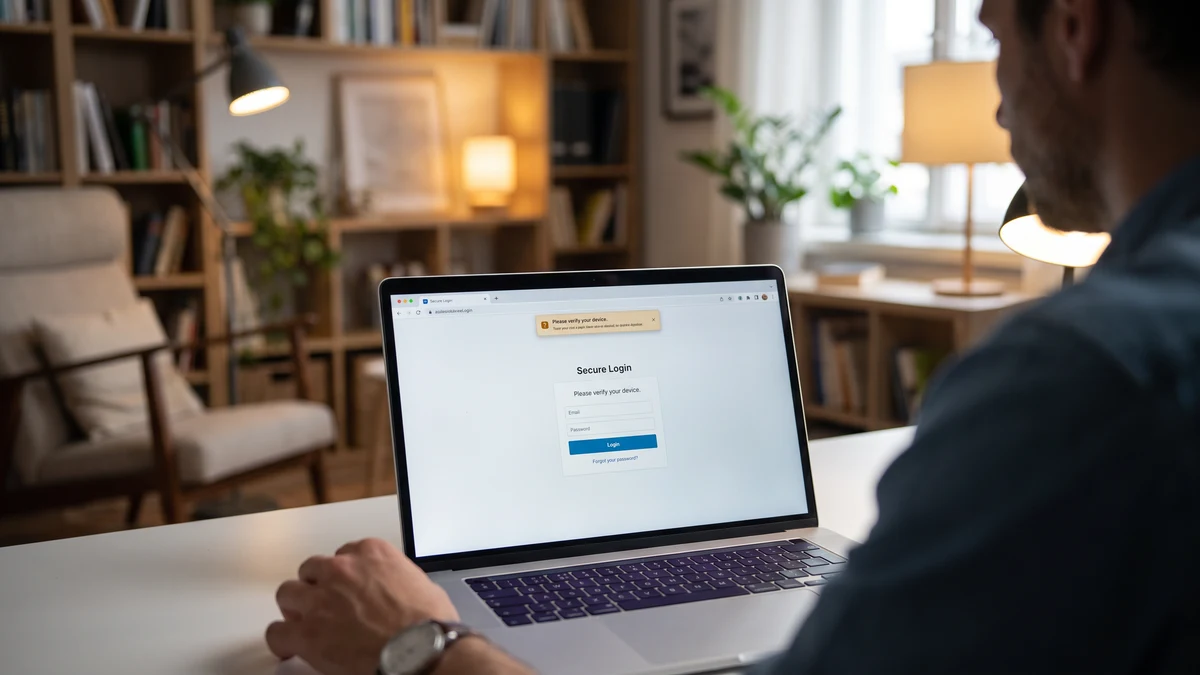
Short answer: yes, most websites can tell that you're using a VPN. Longer answer: they can see that the IP address you're connecting from belongs to a datacenter, and they can guess the rest. What they cannot see is who you actually are, what you were doing before you connected, or the contents of your session with them once you have. That distinction — between detecting a VPN and unmasking a user — matters more than most explainers admit, and it's the thing worth understanding if you have ever wondered why a bank asks you to "verify your device" the moment you turn on a VPN.
This guide walks through exactly how websites detect VPNs in 2026, why they do it, which sites care and which do not, and what the real privacy story is when the detection happens.
Yes — VPN detection is real and it works most of the time
When your device connects to a website with a VPN on, the website sees a connection from the VPN server's IP address, not from your home or mobile IP. In 2026, essentially every well-run website has access to commercial IP reputation data that classifies every IP address on the internet into buckets like residential, mobile carrier, datacenter, hosting, known VPN, and known proxy.
VPN server IPs almost always fall into datacenter or known VPN. That is the primary detection signal. It is not clever, it is not fragile, and there is very little that any consumer VPN can do to fully defeat it — the traffic has to leave the VPN provider's servers somehow, and those servers live in datacenters.
Secondary signals include:
- ASN (Autonomous System Number) lookups — every IP belongs to a network operator. Consumer ISPs (Comcast, Verizon FiOS, T-Mobile Home Internet) have known ASNs; datacenter and hosting providers (AWS, Google Cloud, DigitalOcean, OVH) have different, easily identifiable ones.
- Reverse DNS records — an IP that reverse-resolves to
vpn-node-42.example-provider.comis a dead giveaway. - IP address timezone vs. browser timezone mismatch — if your VPN puts you in Amsterdam but your browser reports America/New_York, the site knows.
- WebRTC leaks — some browsers can leak your real local IP through the WebRTC API, and websites can check for a mismatch between the IP the connection came from and the IP WebRTC exposes.
- Fraud and bot databases — services like MaxMind, IPQualityScore, and Spur maintain updated lists of known VPN and proxy exit nodes and sell that data to anyone with an API budget.
Any modern site that wants to know whether you're on a VPN can find out in milliseconds. The interesting question is why they would care.
Detection is not exposure
CyberFence is a US-operated VPN that helps keep your browsing private from the network while connected. Web Shield helps block known harmful websites. Choose the protection that fits your devices and needs. Personal VPN plans start at $7.99/month with monthly billing. Cancel renewal anytime. Breach Monitor is a separate paid feature or included with Complete.
Get ProtectedWhy some websites care and others don't
Most websites you interact with every day do not care that you are using a VPN. News sites, product marketing pages, blogs, most SaaS apps, and most e-commerce checkouts silently accept VPN traffic and serve you normally. The sites that actively check and sometimes block or challenge VPN traffic fall into a small number of categories:
Streaming services
Netflix, Hulu, Disney+, BBC iPlayer, and their peers hold content licenses that are geographically bounded. If you appear to be connecting from a country where a show is not licensed, they are contractually obligated to refuse. They use IP reputation data to block known VPN and datacenter IPs preemptively, and most streaming customers who have tried "watch this show from another country" have run into a proxy error. The block is a licensing decision, not a privacy one.
Financial services and banks
Banks care because most account takeover attempts come from datacenter IPs. When your normal login pattern is "Comcast IP from Chicago, iPhone, weekdays 6-10 PM" and you suddenly appear from an AWS IP in Frankfurt at 3 AM, the fraud engine will fire. Expect an extra device verification, an SMS challenge, or an email asking whether that was really you. This is not the bank refusing to let you use a VPN — it is the bank correctly applying an anomaly rule that fires for the same behavior an attacker exhibits.
The practical fix is to connect to a VPN server geographically close to where you normally live. If you're in Orlando and you use a US East Coast VPN server, banks generally treat that as a mild anomaly rather than a fraud signal.
Dating and social apps
Tinder, Bumble, and their peers use IP location as one of the signals in their matching and abuse detection systems. They also use IP reputation to block accounts that appear to be operated from datacenter IPs, since those are more often associated with bots and scammers than with real users.
Ticketing, retail drop, and sneaker sites
Any site that sells scarce inventory (concert tickets, limited-edition sneakers, PlayStation preorders) uses aggressive VPN and proxy blocking because scalpers use VPNs and proxies to buy up inventory. On drop day, expect these sites to refuse VPN connections outright.
Government and enterprise portals
Some IRS, state DMV, and enterprise SSO portals block or challenge VPN traffic to reduce automated abuse. This is inconsistent — some accept VPN traffic without issue and some silently fail.
What websites cannot see when you're on a VPN
The important thing about "the site can detect your VPN" is that detection does not undo the privacy your VPN gives you. When your VPN is on, the website you visit still cannot see:
- Your real home or mobile IP address — they see the VPN server's IP, not yours.
- Your actual geographic location — they see the VPN server's location.
- What websites you visited before or after theirs — cross-site history requires cookies or fingerprinting, not IP-level tracking.
- Your ISP identity — they see the VPN provider, not Comcast or Verizon.
- The contents of your session with any other site — that is between you, the VPN, and the destination site.
- Whether you're a specific individual — an IP alone is not identity. Identity comes from you logging into an account or providing personal information.
Your ISP and mobile carrier are on the other side of the equation. When your VPN is on, they can see that you are connected to a VPN provider but not what sites you visit inside the tunnel. That is exactly the split you want: your ISP loses the ability to profile your browsing, and websites lose the ability to track you across sessions through your IP address.
Can you use a VPN in a way that websites don't detect?
Mostly, no — not with a consumer VPN. There are a few narrow options for people who genuinely need to appear as normal residential traffic to specific sites:
- Residential proxy services — networks that route your traffic through real home IPs. These exist but are expensive, slow, and legally gray, since many are built on user devices whose owners didn't fully understand what they signed up for.
- Some VPNs offer specific "streaming-optimized" or "obfuscated" servers — these rotate IPs faster and try to look less like a datacenter. They work against some detection systems and not others. There's no permanent solution.
- Connecting to a VPN server geographically near your normal location — this reduces the fraud-anomaly problem with banks and financial services even though the "you're on a VPN" flag still fires.
For the vast majority of what a VPN is actually for — protecting your session on public Wi-Fi, hiding your browsing from your ISP, blocking phishing and trackers at the DNS layer, and reducing your fingerprintable identity across sites — being detectable as a VPN user does not undermine the value. That is worth restating: the value of a VPN is not that websites can't tell you're using one. The value is that everyone else in between cannot see what you're doing.
What CyberFence does about detection
CyberFence uses AES-256-GCM encryption on WireGuard and comparable modern protocols, runs zero-logs infrastructure operated from the US, and includes Web Shield DNS-level phishing and malware blocking that works whether or not the destination site can tell you're on a VPN. We do not promise magic invisibility on Netflix or a bank's fraud engine — no honest VPN can — but we do commit to keeping your session encrypted, keeping no logs of your activity, and blocking the actual threats (phishing, malware, ISP tracking) that a VPN is for.
Practical tips
- If your bank flags you, pick a VPN server near your home region — this cuts most fraud-engine anomalies.
- If a site outright blocks the VPN, try a different VPN server — many blocks are per-IP, not per-provider.
- Turn on the VPN kill switch — the point of a VPN is that traffic is encrypted; a kill switch stops leaks when the tunnel drops.
- Do not use free VPN browser extensions — most are not real VPNs and many quietly route traffic through unknown proxy networks or sell your data.
- Match your browser timezone to your VPN server region if you want to reduce mismatch signals — most people don't bother, but for streaming it can help.
Get the real value of a VPN
CyberFence is a US-operated VPN that helps keep your browsing private from the network while connected. Web Shield helps block known harmful websites. Choose the protection that fits your devices and needs. Personal VPN plans start at $7.99/month with monthly billing. Cancel renewal anytime. Breach Monitor is a separate paid feature or included with Complete.
Get ProtectedBottom line
Yes, most websites can detect that you're using a VPN. That does not mean the VPN failed to protect you — it means the VPN is doing exactly what it is supposed to do, which is present a datacenter IP address to the destination site while keeping the actual contents of your traffic private from everyone in between. Streaming services and banks might treat that detection as a reason to challenge or refuse the connection, and that is a licensing or fraud-anomaly decision, not a privacy failure. What matters is that your ISP, your carrier, other people on the same Wi-Fi network, and known phishing and malware domains all lose visibility into your session. That is the actual value proposition — and a well-run US-operated VPN with zero logs and DNS-level blocking gives you that regardless of whether Netflix knows you're using one.
Want to go deeper? Read our free privacy and security tools , the CyberFence DNS leak test , or the CyberFence WebRTC leak checker .