Also on CyberFence: compare CyberFence to other VPNs side-by-side · the free CyberFence security tools .
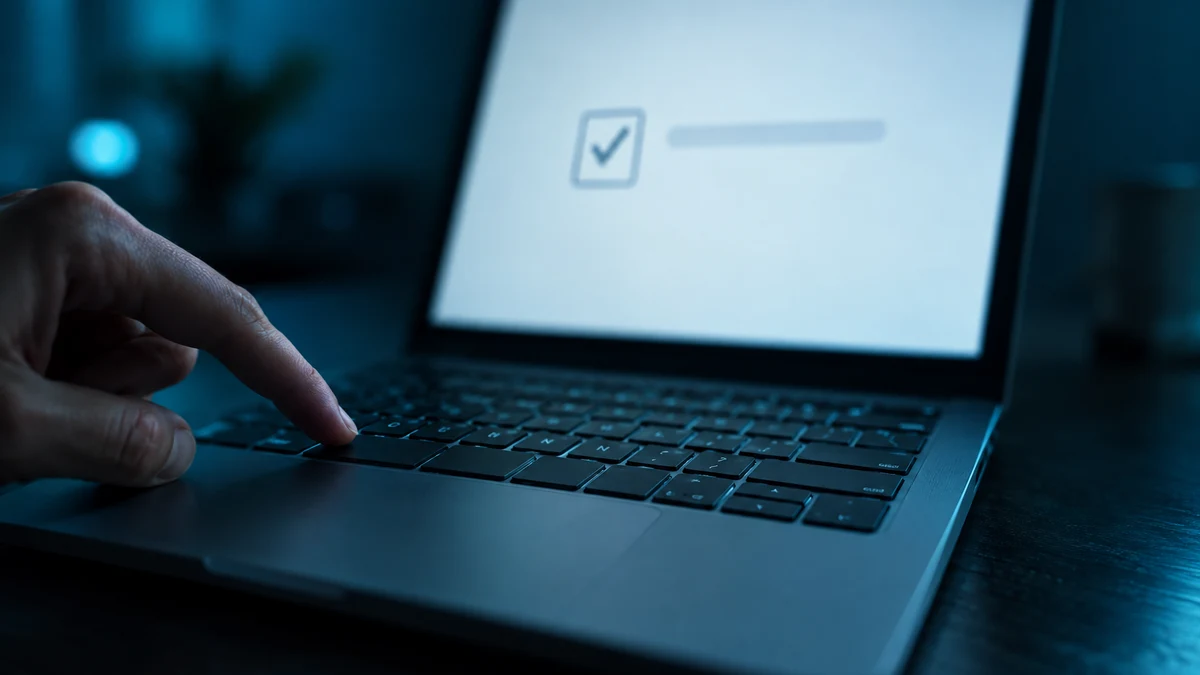
You land on a page that says it is verifying you are human. There is a checkbox. You click it, and a short list of instructions appears: press the Windows key and R, paste, and hit Enter. It feels like an odd but harmless hoop to jump through. It is not. What you just did was run a command an attacker placed on your clipboard, and whatever follows got onto your computer with your own hands.
This technique is called ClickFix, and in 2026 it has moved from a niche trick to one of the most common ways attackers get their first foothold. Here is how it works, what the newest data shows, and the single habit that defeats it.
How a ClickFix Attack Works
The steps are nearly always the same:
- The lure. You reach a page that looks like a routine check: a fake CAPTCHA, a "verify you are human" screen, a browser error, or a fake update notice. Often it is an overlay on a legitimate website that has quietly been compromised.
- The hidden copy. When you click the checkbox or the "fix" button, the page silently copies a malicious command to your clipboard.
- The instructions. The page tells you to open the Windows Run box, a PowerShell or Terminal window, or the Mac Terminal, and paste what you copied.
- The payload. You press Enter, and the command pulls down more code, often running entirely in memory. According to The Hacker News, the result is typically a remote access tool or infostealer malware.
The trick works because nothing looks like an attack. No attachment was opened and no suspicious file was downloaded by a click. You typed a command yourself, so many security tools see a person doing something deliberate. And because the lure usually arrives through a search result, an ad, or a compromised website rather than email, spam filters never see it.
Why Security Tools Struggle to Spot It
Attackers build these pages to look clean to everyone except a real victim. According to Push's analysis, kits check where a visitor came from, detect automated or headless browsers, use one-time links, and restrict pages by country or network. An automated scanner often sees a harmless page, while a real person on a home connection sees the trap. And because the dangerous step, running the command, is taken by you rather than by a downloaded file, the usual alarm bells may never ring.
What the 2026 Data Shows
- 47% of observed attacks. Microsoft's Digital Defense Report identified ClickFix as the most common initial access method, a figure cited by both The Hacker News and Push Security.
- 52% of detections, then 67%. Push Security, a browser security vendor, says ClickFix averaged 52% of its detections through the second quarter of 2026, its largest category for the first time, and reached 67% in August.
- Four in five payloads came from search. Push found that 80% of the ClickFix payloads it intercepted in 2026 were reached through search engines such as Google and Bing, via compromised sites, malicious ads, and search poisoning, not through email.
- Three kits dominate. Kits named ERRTRAFFIC, TURNTIP, and NOCHAIN made up 73% of Push's ClickFix detections. ERRTRAFFIC is sold as a subscription for roughly $300 to $380 a month and has at least 11 confirmed criminal customers.
One caution on the numbers: Push's percentages describe what its own tools detected, not every attack worldwide, and Microsoft's figure reflects the attacks Microsoft observed. Treat them as a strong directional signal rather than a census. Both point the same way.
Who Is Getting Hit
Ordinary websites are the delivery vehicle. External reporting cited by Push counted 1,509 compromised WordPress sites feeding fake-update and ClickFix chains in July 2026, and more than 700 Ghost sites infected through a software flaw (CVE-2026-26980) in May. Separately, Netskope documented more than 5,400 compromised sites pulling their payloads from a blockchain smart contract, which makes the attack harder to shut down. The practical meaning: the page asking you to "verify" may sit on a site you have visited many times and trust.
Ransomware crews have adopted it too. A joint advisory from the FBI, CISA, HHS, and MS-ISAC reported that Interlock ransomware actors used ClickFix for initial access. Push's report adds that a ransomware operator called CRPx0 has used ClickFix pages as its main delivery method against more than 30 victims since July 2026, with a focus on healthcare, and that researchers at Halcyon documented ClickFix delivery across four ransomware families, Interlock among them.
Search Results Are the New Inbox
For years, the standard advice was to be careful with email links. ClickFix shows why that is no longer enough. Push reports that around half of the attacks it detected arrived outside email, and four in five ClickFix payloads came through search. A few habits close that gap:
- Treat sponsored search results and ads for software downloads with the same suspicion as an unexpected email.
- Install software by typing the vendor's official address yourself, or use an official app store, rather than following an ad.
- Share the one rule below with family and coworkers. It takes ten seconds to explain, and it works on nearly every variant.
The Many Costumes of ClickFix
The fake CAPTCHA is just the most common disguise. The same paste-and-run trick shows up in several forms:
- Fake install guides. Malicious ads and cloned documentation pages offer a "quick install" command for popular developer and AI tools. The command you paste is the malware. In at least one case, the tool being impersonated has no installer at all.
- Fake crashes. A page freezes your browser, then offers a "fix" that involves pasting a command.
- The File Explorer variant. Instead of the Run box, you are told to paste into the File Explorer address bar, a less-watched place to run things.
- Mac versions. The same lure, adapted to the Mac Terminal. Some kits detect your computer and show matching instructions.
- Disguised instructions. Some pages write the steps with look-alike letters from other alphabets, so filters scanning for words like "press the Windows key" do not recognize them.
The One Rule That Beats Nearly Every Variant
No legitimate website will ever ask you to paste a command into Run, PowerShell, Terminal, or File Explorer to prove you are human or to fix an error. Real CAPTCHAs are click, tap, or image-based. If a page gives you keyboard shortcuts and a paste step, close the tab.
A few variants skip the paste and instead ask you to download and open a file, or to drag an item somewhere. The principle is the same: never run something just because a web page told you to.
Warning signs worth memorizing:
- It asks you to press the Windows key plus R or X, or to open Terminal or PowerShell.
- It says it has "already copied" something for you.
- The verification or error box appears on top of an otherwise normal page, and only after you click.
- It pushes software installation from an ad or a link rather than the vendor's own site, typed into your browser yourself.
- It adds urgency: "fix this error to continue."
If You Already Pasted It
Do not panic, but act quickly and in this order:
- Disconnect the device from the internet right away by turning off Wi-Fi or unplugging.
- Do not sign in to anything on that device.
- From a different, clean device, change your important passwords, email first and then banking, and sign out of all active sessions.
- Turn on multi-factor authentication or passkeys wherever you have not.
- Have the device scanned and cleaned, or reset it. If it is a work device, tell your IT team immediately.
Treat everything saved in that browser as exposed, because infostealer malware is built to collect saved passwords and signed-in sessions.
Where CyberFence Fits, and Where It Does Not
A VPN encrypts your connection. It cannot stop you from pasting a command, so encryption is not the defense here, and no tool replaces the habit above. What CyberFence adds is a layer around it:
- Web Shield DNS blocking. Web Shield runs at the DNS layer on every device using CyberFence and blocks connections to known malicious domains, using a continuously updated blocklist. The joint FBI and CISA advisory on Interlock lists DNS filtering among its recommended defenses against this kind of initial access. The honest limit: ClickFix kits are built to rotate where their payloads live, sometimes faster than any blocklist can update. Web Shield reduces your exposure; it does not make you immune.
- Breach Monitor. Available on its own or bundled with the VPN, Breach Monitor watches your email addresses against known breach databases and alerts you if they appear, so if credentials do leak, you hear about it and can act.
Layer your defenses. CyberFence pairs AES-256-GCM encryption with Web Shield DNS blocking on every device. Neither replaces the one rule: never paste what a website tells you to.
See CyberFence Plans →The Bottom Line
ClickFix works because it turns the victim into the delivery mechanism. The data from Microsoft and from Push Security says it is now a leading way attackers get in, and the people behind it, from commercial kit sellers to ransomware crews, have every reason to keep refining it. The defense is a habit that costs nothing: a website never needs you to paste a command, so the moment one asks, you leave. Back that habit with DNS-level blocking and breach alerts, and you have closed most of the gap.
Stay protected beyond the habit. CyberFence combines AES-256-GCM encryption with Web Shield DNS blocking across all your devices, with a strict zero-log policy and US-operated infrastructure. Starting at $7.99/mo.
Get Protected →Want to go deeper? Read the CyberFence competitor comparison hub , our free privacy and security tools , or CyberFence plans and pricing .