Also on CyberFence: check your public IP and geolocation · compare CyberFence to other VPNs side-by-side .
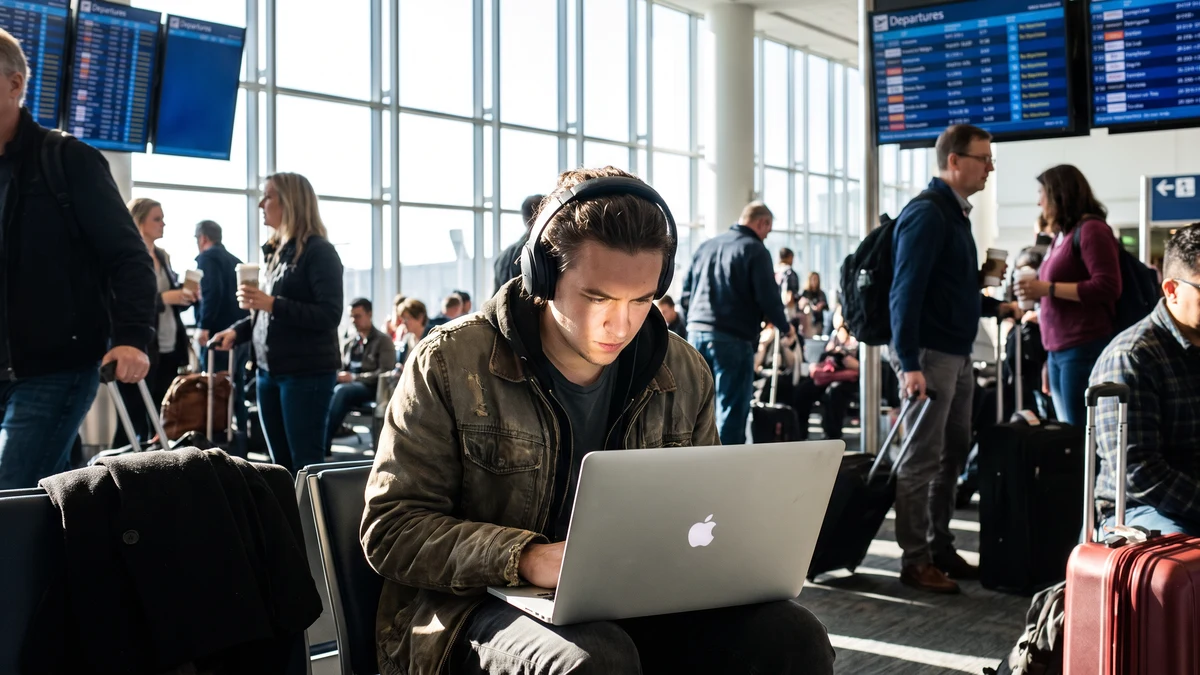
Yes — a VPN protects you on public Wi-Fi. It does this by encrypting all traffic from your device before it reaches the network, so other users on the same Wi-Fi, the network operator, and anyone monitoring that connection cannot read what you're transmitting.
That's the answer. But the follow-up question matters: what exactly does it protect, and what gaps remain? Understanding both is useful for anyone who regularly uses public Wi-Fi at coffee shops, airports, hotels, or anywhere else.
What Public Wi-Fi Actually Exposes
When you connect to public Wi-Fi at a coffee shop, airport, hotel, or library, you're sharing a network with everyone else in that location. On a typical home network, that's your family and your devices. On public Wi-Fi, it's strangers — along with the network operator, which may be a local business, a venue, an ISP, or in some cases an attacker running a fake hotspot.
Several attacks become possible on shared networks:
- Packet sniffing — software that captures network traffic passing over the shared medium. Unencrypted traffic (HTTP sites, unencrypted apps) can be read in plaintext by anyone running this software on the same network.
- Man-in-the-middle (MITM) attacks — an attacker positions themselves between your device and the internet, intercepting and potentially modifying traffic. ARP spoofing and SSL stripping are common techniques for executing MITM attacks on local networks.
- Evil twin attacks — an attacker sets up a Wi-Fi hotspot with the same name as a legitimate venue's network (e.g., "Airport Free WiFi"). Devices that auto-connect or users who connect without verification end up on the attacker's network.
- Session hijacking — cookies and session tokens that authenticate you to websites can be intercepted and replayed, allowing an attacker to access your active sessions on those sites without knowing your password.
- DNS hijacking — the network's DNS server can redirect your queries to malicious sites, even when you type a legitimate URL.
A VPN addresses all of these to varying degrees.
How a VPN Protects You on Public Wi-Fi
When you connect to CyberFence on public Wi-Fi, two things happen before any data reaches the coffee shop's router or the airport's access point:
- An encrypted tunnel is created between your device and the VPN server. All traffic is encrypted with AES-256-GCM before it leaves your device.
- Traffic exits through the VPN server, not directly from your device to its destinations.
The result for each attack type:
- Packet sniffing — the sniffing software sees only encrypted packets. Without the encryption key (which only your device and the VPN server hold), the data is unreadable. Your passwords, session tokens, and browsing content are protected.
- Man-in-the-middle attacks — the encrypted tunnel prevents meaningful interception. An attacker can see that encrypted traffic is going to the VPN server, but cannot read or modify the content. SSL stripping, which downgrades HTTPS connections to HTTP, cannot work inside the encrypted VPN tunnel.
- Evil twin attacks — if you accidentally connect to a fake network with the same name as a legitimate one, the VPN still encrypts your traffic on that network. The attacker controlling the fake access point sees only encrypted data going to your VPN server — not your actual traffic. CyberFence's auto-connect feature is particularly relevant here: it establishes the VPN connection before your apps start sending data when you join any new network.
- Session hijacking — session cookies traveling inside the encrypted VPN tunnel cannot be intercepted on the local network. They're encrypted from the moment they leave your device.
- DNS hijacking — CyberFence routes all DNS queries through its own encrypted DNS servers, bypassing the public network's DNS entirely. The coffee shop's router cannot redirect your DNS queries to malicious sites.
Encrypt Every Public Wi-Fi Session
CyberFence auto-connects when you join public Wi-Fi — encrypting all traffic before it reaches the network. AES-256-GCM encryption, Web Shield DNS filtering, zero logs. Starting at $7.35/mo.
See Plans →Does HTTPS Already Protect You? Partly — But Not Fully
You may have heard that HTTPS encrypts your web traffic, which is true — but it doesn't eliminate the need for a VPN on public Wi-Fi. Here's why:
HTTPS encrypts the content, not the destination. When you visit a site over HTTPS, your ISP or network operator can still see which domain you're visiting (because DNS queries and SNI headers expose the hostname). They can see that you're talking to gmail.com, your bank, or a medical site — just not what you're reading there. A VPN encrypts that metadata too.
Not all apps use HTTPS. Many mobile apps, background services, and update mechanisms transmit data without HTTPS. A VPN encrypts everything from your device, including traffic from apps that don't implement transport encryption themselves.
SSL stripping can downgrade HTTPS to HTTP. On unprotected networks, attacks that intercept your connection before HTTPS is established can force a plaintext connection. A VPN prevents this by encrypting at the device level before the connection is routed through the network.
Captive portals break HTTPS flows. When you first connect to hotel or coffee shop Wi-Fi, the network intercepts your HTTP requests to show the login page. During this pre-authentication window, your device may leak information. With a VPN that auto-connects, this window is closed before your apps send data.
What a VPN Doesn't Protect on Public Wi-Fi
A VPN is not a complete security solution on public networks. These gaps remain:
Malware already on your device. If your device is already infected with malware — a keylogger, a RAT, a browser extension that captures credentials — the VPN doesn't help. The malware reads your data before it enters the encrypted tunnel and can exfiltrate it through the tunnel itself.
Phishing sites you visit willingly. A VPN doesn't know whether a site you visit is legitimate or a phishing page. If you click a link to a fake bank login page and enter your credentials, the VPN encrypts that request but doesn't stop the theft. Web Shield DNS filtering (a CyberFence feature) adds a layer here by blocking known phishing domains before your browser loads the page — but novel phishing domains that haven't been identified yet won't be caught.
Authentication you perform unprotected. If you sign into an account before activating your VPN, cookies from that session are already established. They won't be protected retroactively. This is why auto-connect on joining a new network matters — protection needs to be active before you start any sessions.
Physical shoulder surfing. Anyone sitting near you can see your screen. A VPN doesn't block line-of-sight visual access to what you're typing or viewing.
The VPN provider itself. Your traffic is encrypted from your device to the VPN server. Between the VPN server and its destination, traffic is decrypted and re-sent normally. A VPN provider with a logging policy can see your activity. CyberFence maintains a zero-log policy — no connection logs, no activity logs, nothing to hand over or leak.
The Practical Checklist for Public Wi-Fi
- ✅ Enable VPN auto-connect — protection before any app sends data
- ✅ Verify you're on the real network — ask staff for the exact Wi-Fi name before connecting, especially at airports and hotels
- ✅ Don't disable VPN for "faster" streaming — the speed difference is minimal with WireGuard protocol; the security gap is not
- ✅ Use a cellular hotspot for highly sensitive work — mobile data doesn't share a broadcast domain with strangers
- ✅ Keep your device updated — OS and app patches close vulnerabilities that attacks can exploit even on a VPN-protected connection
- ✅ Use a password manager — unique credentials per site mean one captured session token doesn't cascade to other accounts
Does a VPN Slow Down Public Wi-Fi?
With a well-engineered VPN and a nearby server, the performance difference is small. CyberFence uses WireGuard — a modern VPN protocol that is significantly faster than older protocols like OpenVPN — and selects the nearest server automatically. On a typical public Wi-Fi connection (which is often already slower than your home connection), the VPN overhead is not the bottleneck.
The practical answer: for browsing, email, and most work tasks, you won't notice the difference. For video calls or large file transfers, you may see a minor reduction — but the security tradeoff makes it worthwhile for any sensitive connection.
The Bottom Line
A VPN protects you against the most significant risks of public Wi-Fi: traffic interception, man-in-the-middle attacks, session hijacking, DNS hijacking, and evil twin networks. It doesn't protect against malware on your device or phishing sites you choose to visit — but those are problems a VPN was never designed to solve.
For anyone who regularly works from coffee shops, airports, hotels, or any shared network, a VPN is the single most impactful security tool available. It runs in the background, encrypts everything, and requires no ongoing attention once auto-connect is enabled.
Stay Protected on Every Public Network
Connect CyberFence on your phone or laptop before using shared Wi-Fi. It encrypts traffic between your device and the VPN server, while Web Shield helps block known harmful websites. Keep using HTTPS and verify the network name. Personal VPN plans start at $7.99/month with monthly billing. Cancel renewal anytime. Breach Monitor is a separate paid feature or included with Complete.
View Plans →Want to go deeper? Read our free IP address checker , the CyberFence competitor comparison hub , or CyberFence plans and pricing .