Also on CyberFence: CyberFence for Teams for business VPN with BAA and SSO · business VPN alternatives to NordLayer .
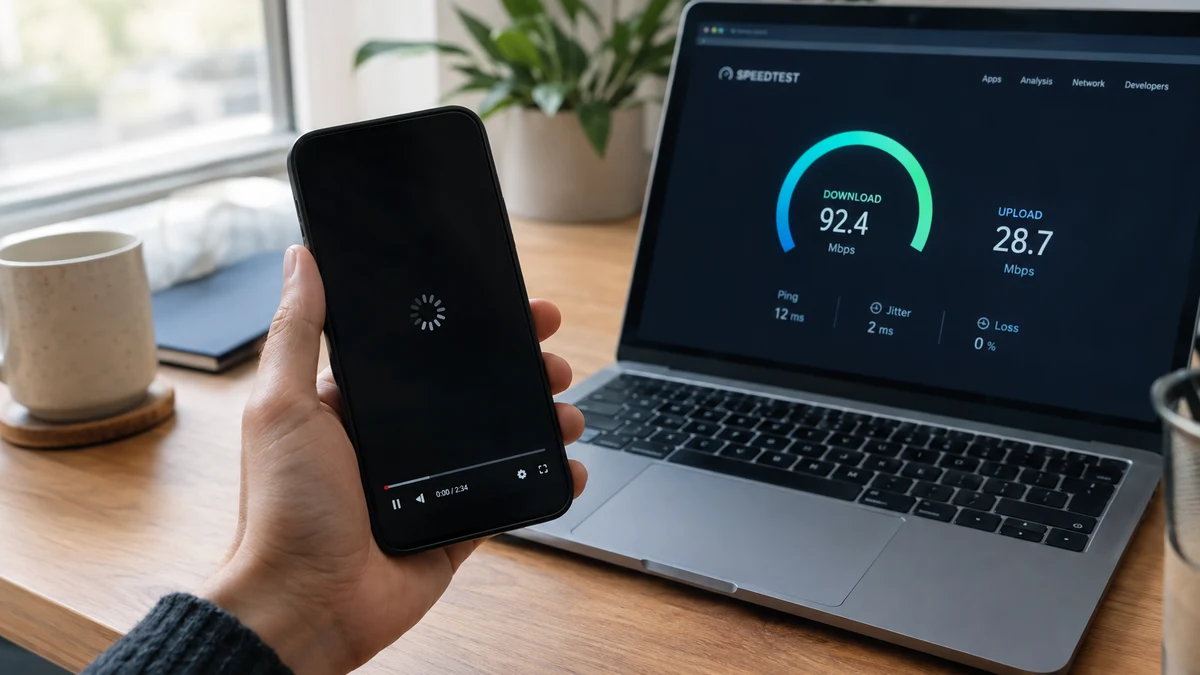
Netflix stutters every night around 8pm. Your gaming ping spikes the moment a match starts. Your "unlimited" plan quietly gets slower after you cross some invisible data line. If this sounds familiar, you've probably wondered whether your internet provider is deliberately slowing down specific activities — and whether a VPN would stop it.
The answer is yes, in the one specific situation where it actually matters, and no in every other case where people assume it would help. Here's exactly how it works.
Yes — If Your ISP Is Throttling by Activity
Internet providers manage network traffic in two different ways, and only one of them is something a VPN can do anything about.
Selective throttling is when a provider slows down specific types of traffic — streaming video, torrenting, gaming — while leaving everything else at full speed. To do this, the ISP has to be able to see what kind of traffic is passing through, usually by inspecting unencrypted data to identify which service or protocol it belongs to.
A VPN encrypts your traffic before it leaves your device, so your ISP can see that data is moving, but not what it is. If a provider can't tell the difference between a video stream and an email, it can't selectively slow down just the video. This is the one scenario where a VPN can measurably restore speed that selective throttling had taken away.
No — If You're Hitting a Data Cap
Bandwidth caps work differently. Once you cross a monthly data threshold — commonly around 1 to 1.25 terabytes on major home internet plans — your provider slows your entire connection, not just specific services. A VPN doesn't hide how much data you're using, only what that data contains, so it has no effect on cap-based throttling. If you're over the line, you're over the line regardless of encryption.
Encrypt first, ask questions later. CyberFence secures your connection with AES-256-GCM encryption, so your ISP can't selectively identify and slow down the traffic it doesn't like.
See CyberFence Plans →A Short History of Why This Became a Thing
Selective throttling has a longer track record than most people realize. In 2007, Comcast was caught interfering with BitTorrent traffic by forging data packets that made peer-to-peer connections fail, prompting a formal FCC complaint and years of litigation over whether the agency even had authority to stop it. Two years earlier, a small provider called Madison River Communications blocked the network ports used by Vonage's internet calling service, reportedly to protect its own phone business, and had to sign a consent decree promising not to do it again. Verizon and AT&T have both throttled video streaming on cellular plans explicitly advertised as unlimited, and separately exempted their own video services (like Verizon's NFL app) from the data caps and slowdowns applied to competitors like YouTube and Netflix. None of this is ancient history filed under settled law — it's the exact pattern researchers keep finding when they test real connections.
This Isn't Hypothetical — It's Documented
Selective throttling isn't a conspiracy theory. A 2018-2019 study by researchers at Northeastern University and the University of Massachusetts Amherst tested roughly 500,000 connections using an app that mimics traffic from services like Netflix, YouTube, Spotify, and Amazon. Out of 2,735 unique ISP-service combinations tested, roughly 1,000 showed clear signs of throttling, and 95% of those cases involved video streaming specifically — with Verizon, AT&T, and T-Mobile showing up most often, including during off-peak hours when there was no real congestion to manage.
Regulators have taken real action here too. The FTC sued AT&T over data throttling on plans explicitly marketed as "unlimited," and the company ultimately paid $60 million back to affected customers in a 2019 settlement after the FTC found that speeds had been slowed by up to 95% once customers crossed a usage threshold — making basic tasks like web browsing and video streaming "practically inoperable."
Why This Matters More in 2026 Than It Used To
For most of the last decade, "net neutrality" rules at the federal level were supposed to prevent exactly this kind of selective throttling. That protection no longer exists nationally. The Sixth Circuit Court of Appeals struck down the FCC's net neutrality rules in early 2025, ruling that the agency lacked the authority to classify broadband as a regulated utility without explicit authorization from Congress. As of 2026, the FCC can require ISPs to disclose their traffic management practices, but it cannot prohibit throttling, paid fast lanes, or selective slowdowns outright.
Only eight states have stepped in with their own net neutrality protections: California, Washington, Oregon, Colorado, and Vermont have comprehensive bans on throttling for residential users, while New York, New Jersey, and Maine apply similar rules through state contracting requirements. Outside those states, there is currently no legal rule stopping a provider from selectively slowing specific types of traffic, as long as it discloses the practice somewhere in its terms of service.
In other words: the one legal backstop that used to apply nationwide is gone almost everywhere, and a VPN's ability to make your traffic unreadable to your ISP matters more now than it did when federal rules were still in place.
What About Gaming Lag?
Gaming is a slightly different case than streaming. Most competitive multiplayer games are more sensitive to latency and jitter than to raw bandwidth, and some providers manage game traffic by routing it differently or deprioritizing it during congestion rather than capping its speed outright. A VPN can help here too, for the same reason it helps with streaming — encrypted traffic is harder to identify and selectively deprioritize — but it can also occasionally add a small amount of latency itself, depending on how far away the VPN server is from the game's server. If ping spikes are the problem, test a VPN server close to your real location before assuming it will help.
What a VPN Can't Fix
- Overall bandwidth limits. If your plan simply doesn't have the speed tier you need, encryption doesn't add bandwidth that isn't there.
- Data cap overage slowdowns. Once you've used your monthly allotment, the ISP throttles everything, encrypted or not.
- Network congestion. Genuine peak-hour slowdowns from shared infrastructure affect everyone on the node, VPN or no VPN.
- VPN overhead itself. Encrypting and routing your traffic through a VPN server adds a small amount of processing — typically a minor trade-off against the speed you get back from avoiding selective throttling.
Getting the Most Out of a VPN for This
If you suspect activity-based throttling is slowing specific services down, connect to a VPN server in your own country, or ideally close to your actual location. A nearby server keeps the added routing distance small, so the main speed change you notice is the throttling disappearing — not a new slowdown from a server on the other side of the country.
Make your traffic unreadable, not just private. CyberFence runs AES-256-GCM encryption on every device, with a strict zero-log policy and US-operated servers you can connect to close to home. Starting at $7.99/mo.
Get Protected →The Bottom Line
A VPN stops the one kind of throttling that depends on your ISP being able to see what you're doing — and in 2026, with no federal net neutrality rule standing in the way almost anywhere in the country, that protection matters more than it has in years. It won't rescue you from a data cap or a bandwidth tier that's genuinely too small for what you need, but if a specific app or service has been mysteriously slow for no obvious reason, encrypting your connection is worth testing before you call your provider to complain.
Want to go deeper? Read the CyberFence Teams product page , the CyberFence vs. NordLayer feature comparison , or the free CyberFence breach check tool .