Also on CyberFence: check your public IP and geolocation · compare CyberFence to other VPNs side-by-side .
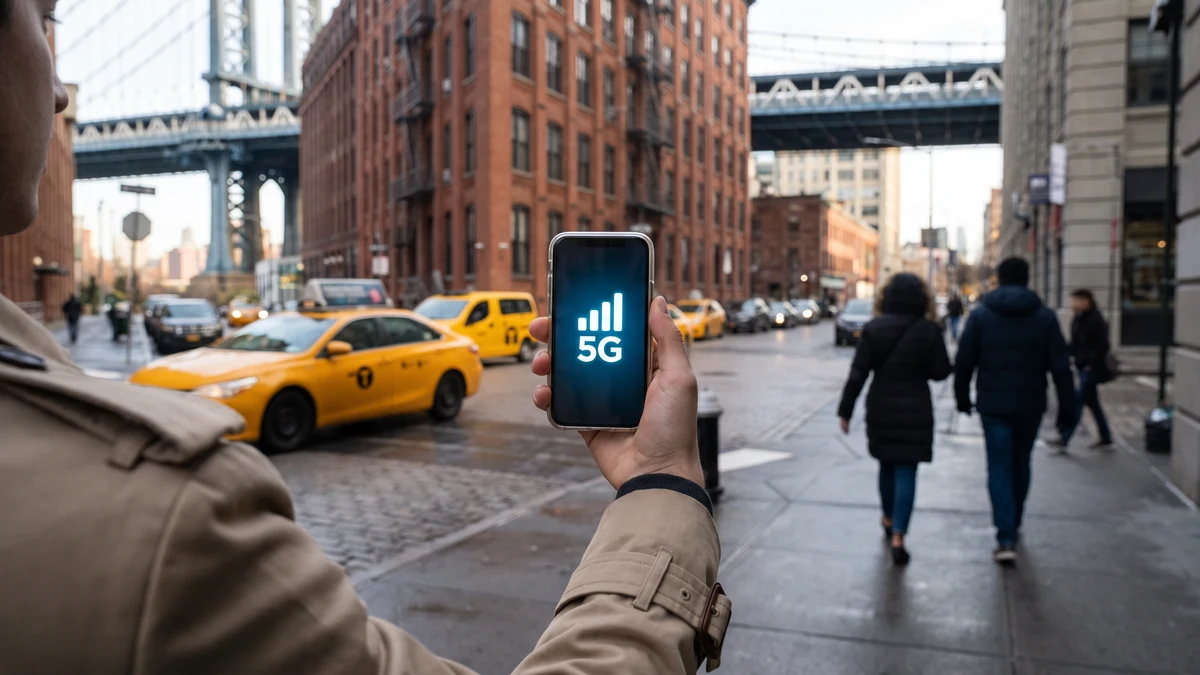
Yes — a VPN works on mobile data. On 4G LTE, 5G, or any other cellular connection, a VPN functions exactly the same way it does on Wi-Fi. The connection type does not matter; what matters is that your phone has an active internet connection. A VPN encrypts your traffic regardless of how that connection reaches the internet.
That said, there are some differences worth understanding between using a VPN on cellular versus Wi-Fi — including what your carrier can and can't see, how it affects battery and data usage, and when it's most important to have a VPN active on mobile data.
How a VPN Works on Mobile Data
When a VPN is active on your phone and you're connected to mobile data, here's what happens:
- Your phone connects to your carrier's network (AT&T, Verizon, T-Mobile, etc.) over 4G or 5G
- Before any traffic reaches your app or browser, the VPN app creates an encrypted tunnel
- All your internet traffic — browsing, app data, streaming, messaging — travels through that encrypted tunnel to the VPN server
- The VPN server forwards your requests to their destinations and returns the responses through the same encrypted tunnel
Your carrier provides the underlying connection, but the VPN handles the encryption and privacy layer on top of it. This is identical to how it works on Wi-Fi — the cellular network is just the pipe that connects you to the internet.
What Your Carrier Can See When You Use a VPN
This is the most important distinction between using a VPN on cellular versus on home Wi-Fi.
On home Wi-Fi, your ISP is typically a separate company from your wireless carrier. A VPN on your home network hides your browsing from your ISP entirely.
On mobile data, your cellular carrier is your ISP for that connection. When you use a VPN on 4G/5G, your carrier can see:
- That you're connected to a VPN server
- The IP address of the VPN server you're connected to
- The volume of data transferred
- When the VPN connection started and stopped
Your carrier cannot see:
- Which websites or services you're accessing
- The content of your traffic
- Your DNS queries (which domains you're looking up)
- App-level activity
So a VPN on mobile data still provides meaningful privacy from your carrier — they see a VPN connection, not your browsing activity. This is the same privacy protection you get from a VPN on any network.
Privacy on Every Connection — Wi-Fi or Cellular
CyberFence is a US-operated VPN that helps keep your browsing private from the network while connected. Web Shield helps block known harmful websites. Choose the protection that fits your devices and needs. Personal VPN plans start at $7.99/month with monthly billing. Cancel renewal anytime. Breach Monitor is a separate paid feature or included with Complete.
See Plans →Does a VPN Slow Down Mobile Data?
A VPN adds a small overhead to every connection — the encryption and decryption process, plus the additional routing through a VPN server, adds latency and slightly reduces throughput. The practical impact on modern 4G and 5G connections is usually minimal.
On 5G specifically — where download speeds can exceed 100 Mbps or more — the VPN overhead is rarely noticeable for typical use (browsing, streaming, video calls, app usage). The encryption overhead is a fixed cost; at high speeds, it represents a small percentage of available bandwidth.
On slower connections (3G, congested 4G, rural areas with weak signal), the VPN overhead is more noticeable. If you're already on a slow connection, a VPN can make it feel meaningfully slower because you're starting from a lower baseline.
The VPN server location also matters. If you're in New York and connected to a VPN server in Los Angeles, your traffic has to travel further before reaching its destination — adding latency. Most quality VPN apps automatically connect to the nearest available server for optimal performance.
Does a VPN Use More Mobile Data?
Yes, slightly. VPN encryption adds overhead to every packet transmitted — typically 5-15% additional data usage depending on the protocol used. For a session that would normally use 100 MB, a VPN might use 105-115 MB.
For most people with modern data plans, this overhead is negligible. If you're on a very limited data plan (1-2 GB/month), the overhead could matter at the margins, but for typical smartphone usage it's rarely a meaningful concern.
One way to reduce VPN data overhead: use a modern, efficient protocol. CyberFence uses protocols optimized for mobile performance, minimizing overhead while maintaining full encryption strength.
Does a VPN Affect Battery Life on Mobile Data?
A VPN running on a mobile device does consume additional battery — the encryption/decryption process requires CPU work, and maintaining a persistent connection to the VPN server keeps the device's radio active.
The impact varies by device and protocol, but most users report 5-15% additional battery drain with a VPN running continuously. For a device with a full battery, this is rarely a practical concern for a normal day of use. If you're already at 20% battery and have a long day ahead, temporarily disabling the VPN to conserve power is a reasonable tradeoff — though for security-sensitive tasks (banking, business email), keeping the VPN on is worth the battery cost.
When Is a VPN Most Important on Mobile Data?
Mobile data is generally considered more secure than public Wi-Fi — your carrier encrypts the radio transmission between your phone and the tower, making passive interception harder than on open Wi-Fi. But that doesn't mean mobile data is without risk:
- Carrier surveillance and data selling — US carriers can legally sell anonymized browsing data. A VPN prevents this by hiding your browsing from the carrier entirely.
- IMSI catchers (stingrays) — surveillance devices that mimic cell towers to intercept mobile communications. A VPN encrypts your traffic so even if an IMSI catcher intercepts your connection, the content is protected.
- Traveling internationally — on foreign carriers in countries with different privacy laws, your traffic may be subject to monitoring. A VPN protects you on any carrier, anywhere.
- Sensitive work tasks on mobile — accessing work systems, client data, or financial accounts from a cellular connection benefits from the additional encryption layer.
- Carrier throttling — some carriers throttle specific types of traffic (video streaming, gaming). A VPN encrypts your traffic type, making it harder for carriers to identify and throttle specific apps.
Mobile Hotspot and VPN
When you use your phone as a mobile hotspot — sharing your cellular connection with a laptop or tablet — the VPN on your phone protects the hotspot connection too. Other devices connecting to your hotspot benefit from the VPN encryption at the phone level.
However, if you want the VPN to also protect activity on the connected devices (not just the hotspot connection itself), you should install and run CyberFence on those devices as well. The phone's VPN protects traffic from the phone itself; it doesn't automatically protect traffic from other devices connected to the hotspot.
Using a VPN on Both Wi-Fi and Mobile Data
Many people use both Wi-Fi and mobile data throughout the day — Wi-Fi at home and work, mobile data when out and about. A VPN configured to auto-connect on all networks handles this seamlessly.
CyberFence's auto-connect feature activates the VPN whenever your device connects to any network — Wi-Fi or cellular — ensuring continuous protection without requiring manual activation every time you switch connections. The VPN automatically reconnects when you move from Wi-Fi to mobile data or back again, with no interruption to your protection.
The Simple Answer
A VPN works exactly the same on mobile data as it does on Wi-Fi. Your carrier provides the connection; the VPN handles the privacy and security layer on top of it. Your carrier can see that you're using a VPN, but not what you're doing online.
The main practical considerations on mobile data are slightly higher data usage (5-15% overhead) and modest additional battery drain. On modern 4G/5G connections, speed impact is minimal for typical use.
For anyone who handles sensitive data on their phone — business communications, financial accounts, health records — a VPN on mobile data provides the same meaningful privacy protection as on Wi-Fi, and is worth running continuously.
One App — All Your Connections Protected
CyberFence is a US-operated VPN that helps keep your browsing private from the network while connected. Web Shield helps block known harmful websites. Choose the protection that fits your devices and needs. Personal VPN plans start at $7.99/month with monthly billing. Cancel renewal anytime. Breach Monitor is a separate paid feature or included with Complete.
See Pricing →Want to go deeper? Read our free IP address checker , the CyberFence competitor comparison hub , or CyberFence plans and pricing .