Also on CyberFence: compare CyberFence to other VPNs side-by-side · how CyberFence compares to ExpressVPN .
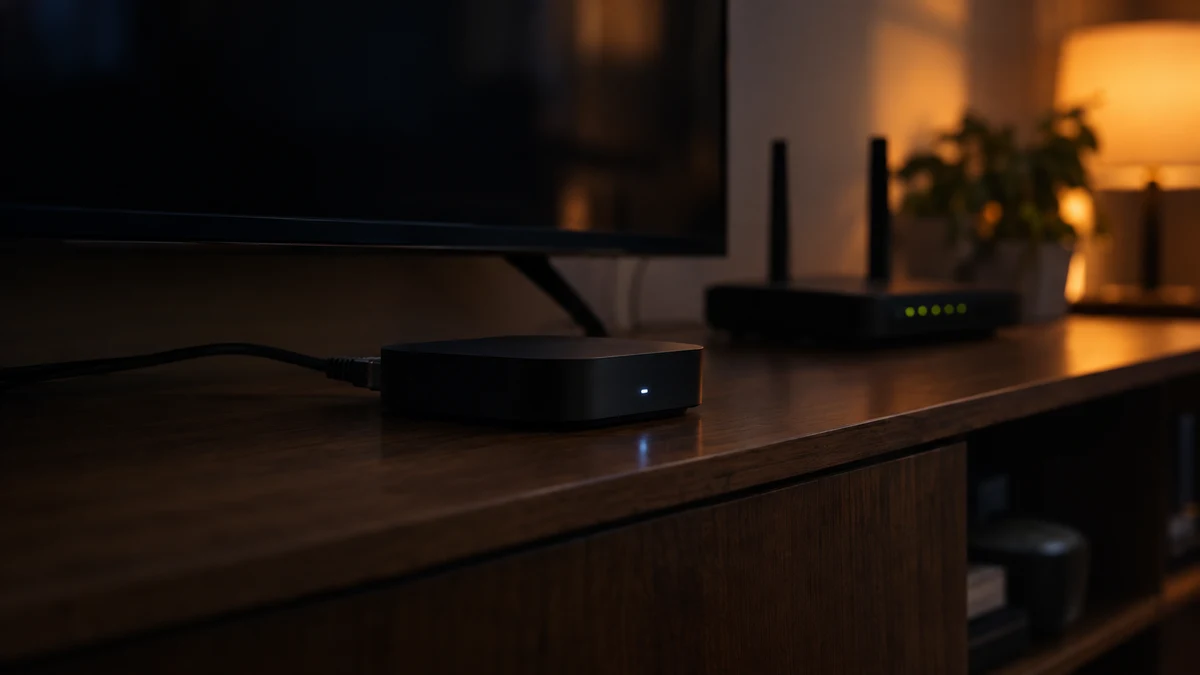
If you bought a cheap Android TV box online to stream shows, there is a real chance it has been doing work for someone else. On November 2, Google said it and its partners had dismantled a backdoor called XCPE that had enrolled more than 1.3 million set-top boxes into a botnet. Google says, with high confidence, that the device maker itself, Videostrong Technology, built the backdoor into the firmware and sold access to criminals.
Those criminals used the boxes for ad fraud, to load more malware and to rent out owners' internet connections. Google also took down servers used by more than a dozen related malware families, which it says cuts off access to at least 10 million more infected devices.
The short answer to "is my box part of a botnet?" is: you cannot be certain by looking at it, but some warning signs make it far more likely. Here is how to check, what the risks are and what to do next.
What Happened With XCPE
According to Google's Threat Intelligence Group, the backdoor was built into many device models and brands over several years. Most were Android TV set-top boxes, but Google also found it on Android-based projectors, telehealth devices, karaoke machines and digital signs. The malware stayed hidden until after the device was first switched on, then quietly downloaded add-on modules.
KrebsOnSecurity reports that the boxes secretly made their owners' internet addresses available for resale through "residential proxy" services. Those services let paying customers route their traffic through a real home connection so it looks like it comes from an ordinary household. BleepingComputer lists several proxy and bandwidth-sharing services whose software appeared in the modules.
Google has banned Videostrong from making certified Android devices. But the takedown cut off the control servers, not the malware itself. As several outlets noted, the backdoor is still in the firmware of boxes already sitting in living rooms.
Why It Matters If Your Box Is Infected
- Your internet address gets used by strangers. A residential proxy lets other people send traffic that appears to come from your home. That traffic can include fraud, account takeover attempts and other crimes.
- You may get blocked or flagged. Websites may start showing you endless CAPTCHAs or blocking your address because of what someone else did through it.
- It is a foothold on your home network. The FBI warned in a 2025 alert about the related BADBOX 2.0 botnet that compromised devices give criminals unauthorized access to home networks. A box that can download new modules can, in principle, be told to do more.
- It uses your bandwidth. Slower streaming or video calls can be a side effect.
Warning Signs Your Box May Be Compromised
The FBI's BADBOX 2.0 alert lists several indicators. If your device matches more than one, treat it as suspect:
- An unfamiliar brand. Cheap boxes from names you do not recognize, often sold on marketplaces.
- Sold as "unlocked" or "free TV." Boxes advertised as getting paid channels or movies for free.
- Not Play Protect certified. Open the Google Play Store, go to Settings, and look for "Play Protect certification." If it says the device is not certified, or there is no Play Store at all, that is a red flag.
- It asks you to turn off Play Protect. Or to install apps from an alternative app store.
- Unexplained internet activity. Your router shows the box sending lots of data when nobody is watching anything.
Note that Google says some XCPE devices were certified, because the malware was loaded after first boot to slip past testing. Certification lowers the risk a lot, but it is not proof.
What to Do If You Think Your Box Is Infected
1. Unplug it from your network
Disconnect the Ethernet cable and remove it from your Wi-Fi. If you need to keep using it for a few days, put it on a guest network that is separate from your computers and phones.
2. Do not rely on a factory reset
Because the backdoor lives in the firmware, a reset or uninstalling apps will not remove it. Security researchers quoted by Android Central recommend disconnecting suspect devices and considering replacement.
3. Replace it with a certified streaming device
Buy from a well-known brand and check that it is Play Protect certified, or choose another major streaming platform. Your smart TV's built-in apps may already be enough.
4. Change your Wi-Fi password and check your router
Once the box is gone, change the Wi-Fi password, update the router's firmware and change the router's admin password if it is still the default. Our guide to what your router can see explains why the router matters.
5. Watch your accounts
If you signed in to streaming, email or shopping accounts on the box, change those passwords from a different device and turn on multi-factor authentication.
Can a VPN Protect You From an Infected TV Box?
This is the honest answer, because it is easy to overstate.
What a VPN cannot do
- It cannot remove malware from the box's firmware.
- It will not reliably stop the box from being used as a proxy. Many cheap Android boxes cannot run a VPN app at all, and malware with deep system access may be able to route traffic around one.
- It does not make an untrustworthy device trustworthy. The only real fix is to remove it.
What a VPN can do
- Protect your other devices on the same network. A compromised device on your home network may be able to watch or tamper with traffic from other devices. A VPN on your phone, laptop and tablet encrypts their traffic before it leaves the device, so another device on the network sees only scrambled data. CyberFence uses AES-256-GCM encryption.
- Block some known malicious sites. CyberFence's Web Shield blocks DNS requests to domains on lists of known phishing and malware sites on the devices where it runs. It does not run on the TV box itself unless the box runs CyberFence.
- Keep your browsing private from the network. Neither the box nor the router can see which sites your protected devices visit.
Encrypt the devices that matter most. CyberFence is a US-operated VPN with AES-256-GCM encryption, Web Shield DNS blocking and a zero-logs policy, for iPhone, Android, Mac, Windows and the web. $7.99/month, or $88.21/year ($7.35/month).
See CyberFence Plans →If you use a trusted, certified streaming device and want privacy on it, see our guide to using a VPN on a smart TV. For how residential proxies differ from VPNs, read VPN vs. proxy.
How to Avoid This Next Time
- Buy streaming devices from established brands and check Play Protect certification before you set them up.
- Avoid boxes and apps advertised as "free" access to paid content. The FBI calls that out as a warning sign.
- Install apps only from official stores.
- Put smart TVs, cameras and other connected gadgets on a guest network, separate from the devices you bank and work on.
- Check your router's device list now and then for anything you do not recognize.
Phones can be compromised too, so it is worth knowing the signs your phone was hacked.
The Bottom Line
The XCPE takedown cut off the criminals' control servers, but infected boxes are still out there. If your streaming box is an unfamiliar brand, was sold as "free TV" or is not Play Protect certified, unplug it and replace it. A VPN will not fix a compromised box, but on your phones and computers it keeps your traffic encrypted from anything else on your network.
Protect your phone and laptop on every network, at home and away. One CyberFence subscription, $7.99/month or $88.21/year.
Get CyberFence →Want to go deeper? Read the CyberFence competitor comparison hub , CyberFence vs. ExpressVPN side-by-side , or CyberFence plans and pricing .