Also on CyberFence: CyberFence's industry directory for other professions · CyberFence Teams for employee VPN protection .
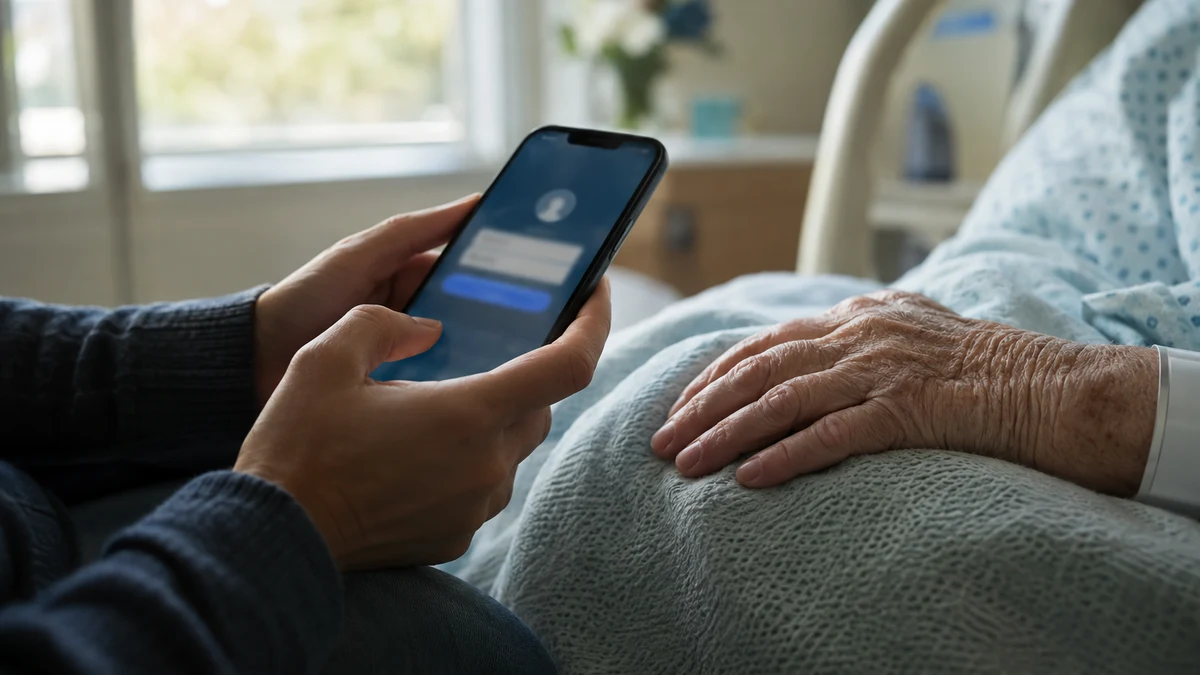
If you look after an aging parent, you probably carry two digital lives on one phone: yours and theirs. You check their bank balance between appointments, refill prescriptions in the pharmacy app, read test results in the patient portal and answer calls from people who claim to be from Medicare. Much of that happens in waiting rooms, hospital lobbies and rehab centers, on whatever Wi-Fi is available.
You are not alone. According to AARP and the National Alliance for Caregiving, 63 million Americans, nearly 1 in 4 adults, provided ongoing care for an adult or child with a complex medical condition or disability in the past year. That is up 20 million since 2015, and the full report lists financial management among the tasks caregivers commonly take on.
Criminals know who holds the keys. Here is what puts caregivers at risk, and where a VPN fits.
Why Caregivers Are a Target
1. You are guarding the most-targeted accounts
Older adults lose more to online fraud than any other age group. The FBI's 2025 Internet Crime Report recorded 201,266 complaints from people 60 and over, with $7.7 billion in losses. Complaints rose 37% from 2024 and losses rose 59%. The average loss was about $38,500, and more than 12,000 older victims lost over $100,000.
The FBI says phishing and spoofing was the most common fraud older victims reported, with more than 48,000 complaints. Tech support scams accounted for about $1 billion in losses, and government impersonation generated more than 8,600 complaints from seniors.
When you manage a parent's accounts, those scams reach you too: a fake "Medicare benefits update" text, a "suspicious charge" email from their bank or a pop-up telling you their computer is infected.
2. You log in from shared networks
Hospitals, clinics, assisted living facilities and pharmacies usually offer open guest Wi-Fi. It's convenient during a long wait, but it's shared with everyone in the building. Traffic that isn't encrypted can be seen by others on the network, and a lookalike hotspot with a familiar name can trick your phone into connecting to an attacker's network. That's a bad place to sign in to a parent's bank, their patient portal or the email account that resets all their passwords.
3. One phone, many sensitive logins
Caregivers often juggle a parent's bank, Social Security, Medicare, insurance, pharmacy and utility accounts, plus their own. More logins means more phishing emails that look legitimate, and more damage if one password is stolen.
Manage a parent's accounts from any waiting room. CyberFence encrypts your connection with AES-256-GCM on hospital and public Wi-Fi, and Web Shield blocks known phishing sites before they load. US-operated, $7.99/month or $88.21/year.
See CyberFence PlansHow a VPN Helps Family Caregivers
- Encrypts everything on hospital and clinic Wi-Fi. A VPN creates an encrypted tunnel between your phone or laptop and the VPN server, so others on the same guest network can't read your logins or messages. Our guide to public Wi-Fi safety explains the risks in more detail.
- Blocks known scam and phishing sites. CyberFence Web Shield filters known malicious and phishing domains at the DNS level. If you tap a link in a fake Medicare or bank message, a known bad site is stopped before the page loads.
- Keeps protection on if the connection drops. The kill switch blocks traffic if the VPN disconnects, so a flaky facility network doesn't quietly send your session unprotected.
- Covers your phone, tablet and laptop. Caregiving happens on whatever device is in your hand. One subscription covers the devices you use to manage your parent's accounts.
- Comes from a US-operated provider with a no-logs policy. When you are handling someone else's health and financial information, it matters who runs the service your traffic passes through.
What a VPN Won't Do
A VPN is one layer, not a force field. It won't:
- Stop a scammer who calls your parent directly or talks them into sending money.
- Block a brand-new fake site that isn't on any block list yet.
- Protect an account whose password was already stolen in a data breach.
- Detect a cloned voice on the phone. Our article on voice cloning scams explains how those calls work.
That's why the habits below matter just as much.
A Caregiver's Security Checklist
- Get proper access instead of borrowing passwords. Ask the bank, pharmacy and health portals about authorized-user, proxy or caregiver access. You get your own login, and you can see activity without signing in as your parent.
- Turn on multi-factor authentication for your parent's email, bank and Social Security accounts, and keep the codes going to a phone you control or check.
- Use a password manager so every account has a unique password, and share access only through it.
- Set up account alerts for large withdrawals, new payees and address changes, so you see problems the same day.
- Agree on a family verification rule. Nobody sends money, gift cards or account codes because of a call, text or email until they've checked with you on a number you already know.
- Never call numbers from pop-ups or texts. Use the number on the back of the card or the official website. The FBI encourages older victims and their families to report fraud to IC3 quickly, and the National Elder Fraud Hotline (833-372-8311) can help with reporting.
- Keep devices updated, both yours and your parent's, and watch for signs a phone has been compromised.
If your parent is comfortable doing some of this themselves, our guide to a VPN for seniors walks through setting one up on their own devices. For more on banking safely away from home, see VPN for online banking.
If you also want alerts when an email address turns up in a known data breach, CyberFence offers Breach Monitor as a separate product.
Why Caregivers Choose CyberFence
Caregiving already takes your time, your energy and often your sleep. Your security setup shouldn't add to the load. CyberFence runs quietly in the background with AES-256-GCM encryption, Web Shield DNS blocking of known phishing and malware domains, and a kill switch, on your phone, tablet and laptop, all from a US-operated provider. Turn it on once, and the hospital lobby, the pharmacy and your kitchen table all get the same protection.
Protect the accounts your family depends on. CyberFence: AES-256-GCM VPN encryption, Web Shield DNS blocking and a kill switch, US-operated. $7.99/month or $88.21/year ($7.35/month).
Get Protected With CyberFenceWant to go deeper? Read how CyberFence protects other regulated industries , the CyberFence Teams product page , or CyberFence plans and pricing .