Also on CyberFence: check your public IP and geolocation · compare CyberFence to other VPNs side-by-side .
Quick answer
Do you need a VPN on free barracks Wi-Fi?
Partly. Free barracks Wi-Fi is a managed network, but it's shared by everyone in your building and run by a contractor that can see which sites your personal devices reach. A VPN encrypts your personal phone and laptop on it, which matters most for banking and family accounts. Check the network's terms and your command's guidance first, and never use a VPN to get around the free plan's filter.
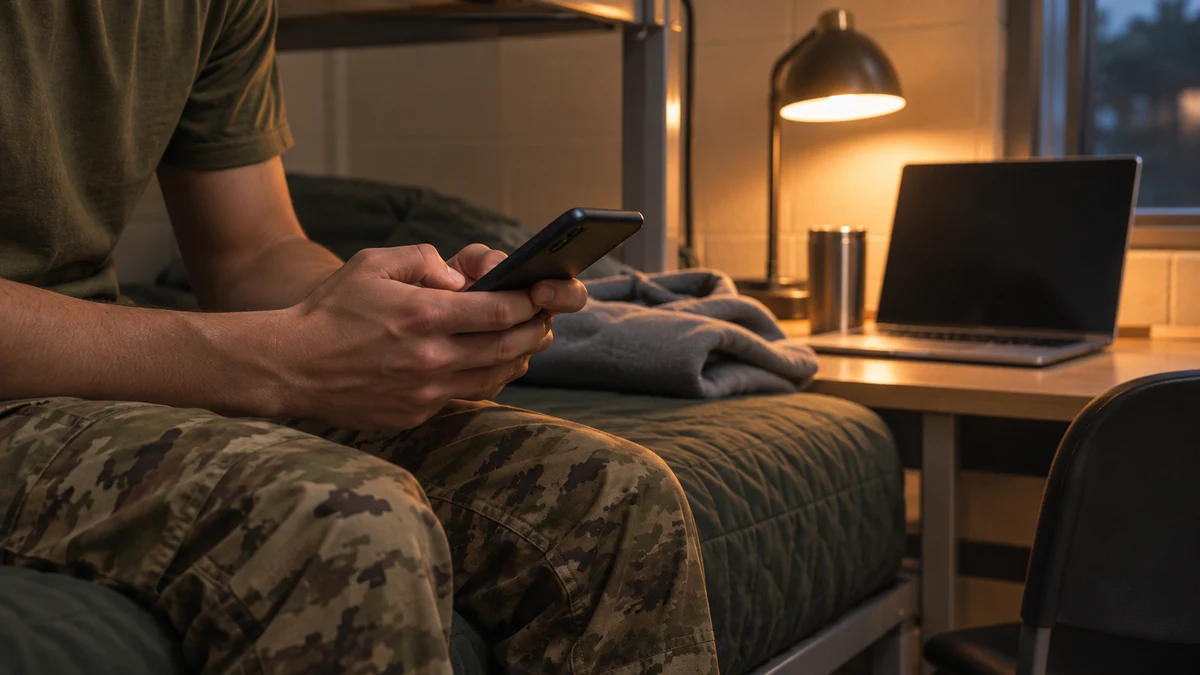
Read this first: everything here is about personal devices, personal accounts and personal time only. No VPN, CyberFence or any other, belongs on a government-issued device or a government network without explicit command authorization. Your branch, installation and unit may each have their own OPSEC and acceptable-use rules, those rules change, and they always come first.
Free Wi-Fi in the barracks is finally here for a lot of junior enlisted troops. Stars and Stripes reported on October 2, 2026, that all Marines and nearly all sailors now have free wireless internet in their barracks rooms, after the fiscal year 2025 National Defense Authorization Act required free internet in unaccompanied housing. The Air Force has since rolled it out at 28 installations, and the Army plans to expand in fiscal year 2028.
Why a Shared Network Is Different From Home
At home, the only people on your Wi-Fi are people you invited. In the barracks, you share the building's network with everyone else on the floor, and often with common-area hotspots used by hundreds of people across base. Boingo, one of the main barracks Wi-Fi providers, says its network extends to hundreds of Wi-Fi hotspots around base.
Shared networks are where look-alike hotspots and snooping are easiest. Someone can name a hotspot to look like the barracks network in a gym or food court, and a phone set to auto-join can connect without you noticing.
See how CyberFence protects you on shared Wi-Fi
Watch CyberFence encrypt a personal phone's connection on hotel, airport and café Wi-Fi.
Watch the Hotel. Airport. Café. film
Select play to load YouTube, then start the film in the player. YouTube processes data when loaded; its privacy policy applies.
Watch on YouTube (opens a new tab)
Read the video transcript
Is this network safe to use? You ask it at every stop on a trip.
At the hotel, turn on CyberFence, and your laptop's connection is encrypted through US-based servers. At the airport, the Network view on your phone shows the network you're on, and whether it's secured. At the café, one tap connects your iPad.
Sign in on each device with the same account.
Hotel. Airport. Café. CyberFence comes with you. Get protected today.
Who Runs Barracks Wi-Fi, and What They Can See
Most barracks Wi-Fi isn't run by your unit. It's a commercial service run by a contractor for personal use. Boingo, for example, says it provides Wi-Fi to nearly 400,000 service member beds across more than 2,100 dormitories and barracks on over 100 installations (October 1, 2026). The Army's pilots at Fort Wainwright and Fort Riley use other providers.
Like any internet provider, whoever runs the network can typically see:
- Your devices, often including the names you gave them.
- When you're online and how much data you use.
- Which sites and apps your devices reach, such as your bank, a dating app or a streaming service, even when the page itself is encrypted.
What they generally can't see is the content of pages and apps that use HTTPS, which is most of them: your messages, passwords and account details stay encrypted. The gap is the list of where you go and when.
The Filter Question: Don't Use a VPN to Get Around It
The free plans are often content filtered. The Air Force's free dorm network, for example, blocks certain sites like adult content and gambling, and Marines can pay for unfiltered access instead.
Be straight with yourself about why you're using a VPN. Protecting your banking and family accounts on a shared network is one thing. Using a VPN to get around the free plan's filter is another, and it may break the network's terms of use. If the terms or your command's guidance restrict VPN use on the free network, follow them. The paid, unfiltered option exists if that's what you need.
When a VPN Actually Helps in the Barracks
On your personal devices, and where it's allowed, a VPN is most useful for:
- Banking and pay. Checking your bank, your allotments or a family budget app on a shared network.
- Family accounts. Email, shared photos and accounts your spouse or parents also use.
- Common-area Wi-Fi. Gyms, food courts and hotspots around base with far more users than your building.
- Scam links. Web Shield blocks known malicious sites while CyberFence is connected, a useful safety net given how often troops and military families are targeted by scams.
- Off-base Wi-Fi. Coffee shops, airports and hotels on leave or during a PCS move.
How to Set Up CyberFence on Your Personal Devices
- Read the network's terms first. Look at the sign-up page or your welcome information for anything about VPN use, and check your command's current guidance.
- Install on your personal phone and laptop only. Download CyberFence from the App Store, Google Play or the CyberFence site, and sign in.
- Connect to the barracks network first, finish any sign-in page, then turn CyberFence on.
- Test a few sites you use every day. If something won't load, switch CyberFence off for that moment rather than changing network settings you don't understand.
- Leave it on for common-area hotspots and any Wi-Fi off base.
Taking It With You on Leave
Thanksgiving and winter leave mean airports, bus stations, hotels and relatives' Wi-Fi, often all in the same week. Those networks are far less controlled than your barracks network, and they're where encrypting your personal phone matters most. Turn CyberFence on before you join any Wi-Fi that isn't your own, and keep the same habits: official network names only, no auto-join, and two-step sign-in on your bank and email.
Five Quick Habits for Barracks Wi-Fi
- Join only the official network name posted in your building, and forget look-alike networks.
- Turn off auto-join for hotspots in gyms and food courts so your phone doesn't connect on its own.
- Rename your devices so they don't show your full name to the network.
- Turn on two-step sign-in for your bank, email and social accounts.
- Keep personal and government devices completely separate. Never connect a government-issued device to barracks Wi-Fi unless your command says to.
What a VPN Won't Do
A VPN encrypts your personal connection, but the network can still see that you're using a VPN, when and how much data you use. The VPN provider can see connection details, so choose one with a no-logs policy you can read. A VPN doesn't stop phishing on its own, and Web Shield blocks known malicious sites, not every new one. A VPN doesn't make you anonymous, and it never overrides your command's rules or the network's terms of use.
Frequently Asked Questions
Is free barracks Wi-Fi safe to use?
For everyday personal use it's a managed network, not an open café hotspot. But it's shared by many residents and run by a contractor, which can typically see which devices connect, when, and which sites they reach. Treat it like any shared network for banking and sensitive accounts.
Can I use a VPN on barracks Wi-Fi?
On your personal devices, check the network's terms of use and your command's guidance first. Where VPN use is allowed, a VPN encrypts your personal traffic. A VPN is not a way around the free plan's content filter, and using it for that may break the network's terms.
Can I put CyberFence on my government phone or laptop?
No. CyberFence, like any VPN, should never be installed on a government-issued device or used on a government network without explicit command authorization.
Does a VPN help on the Wi-Fi hotspots around base?
Yes, for personal devices. Gyms, food courts and other common areas are often shared by many more people, which is where encrypting your personal connection helps most.
Before you install anything: check your command's current OPSEC and acceptable-use guidance and your barracks network's terms of use. If anything here conflicts with them, they win.
Read Next
Bottom line
Free barracks Wi-Fi is a real quality-of-life win, but it's still a shared network run by someone else. On your personal phone and laptop, and where the network's terms and your command allow it, CyberFence encrypts your connection for banking, family accounts and the hotspots around base. Keep government devices off it, and never use a VPN to get around the free plan's filter.
Want to go deeper? Read our free IP address checker , the CyberFence competitor comparison hub , or CyberFence plans and pricing .