Also on CyberFence: compare CyberFence to other VPNs side-by-side · the free CyberFence security tools .
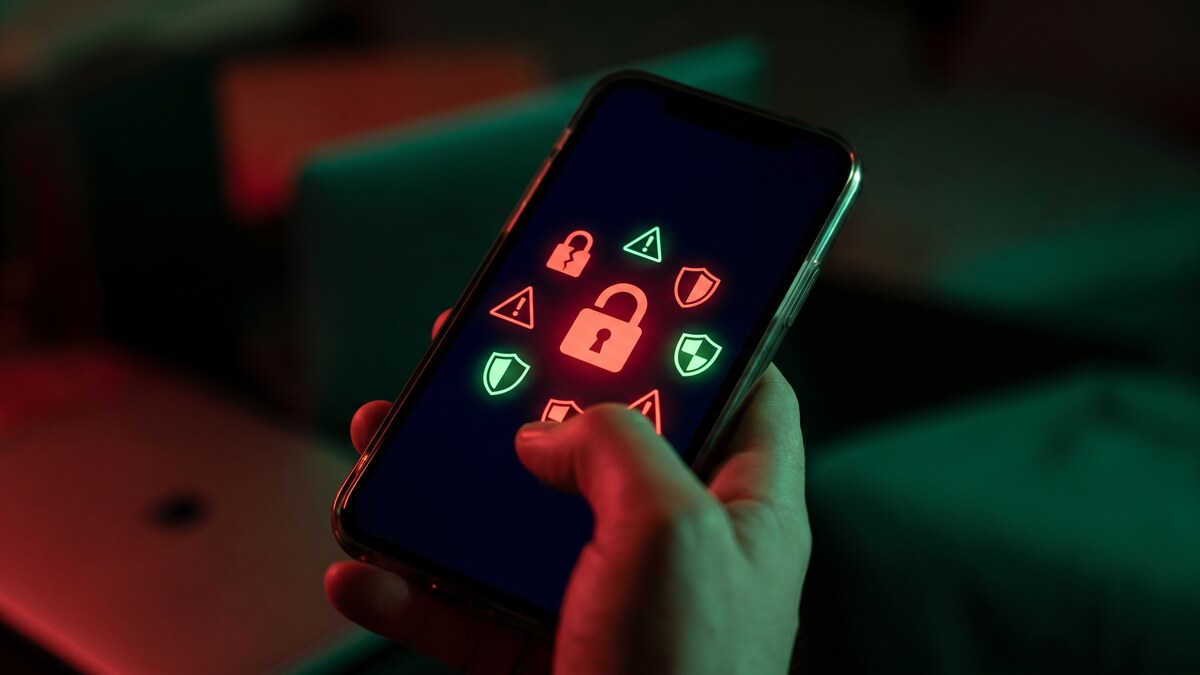
Your smartphone is now one of the most attacked devices you own. According to Verizon's 2025 Mobile Security Index, 85% of organizations reported attacks on mobile devices in 2025 — up significantly from the prior year. Android malware alone rose 67% year-over-year, per Zscaler's 2025 report. And Jamf Threat Labs, analyzing over 1.7 million iOS and Android devices, found that more than half of organizations have at least one device exposed to known exploit chains right now.
The threats are real, growing, and increasingly sophisticated. Here is what the data says about the six biggest mobile security threats in 2026 — and what you can actually do about each one.
1. AI-Powered Phishing — Now Targeting Your Phone Specifically
Phishing has always been the top threat vector, but 2026 marks a qualitative shift. Generative AI has eliminated the grammatical errors and formatting inconsistencies that used to be reliable warning signs of phishing attempts. According to ISACA's 2025 survey, AI-driven social engineering was cited by 63% of members as a critical threat — surpassing ransomware and extortion for the first time.
Jamf Threat Labs found that 1 in 4 organizations had a user click a phishing link in 2025. That number has been consistent for years, but what's changing is the quality of the attacks. Mobile phishing is particularly effective because:
- Small screens make it harder to inspect URLs before clicking
- Mobile browsers often hide the full URL in their address bars
- SMS and messaging app phishing ("smishing") bypasses email filters entirely
- Push notification phishing mimics legitimate app alerts convincingly
AI-generated deepfake audio and video are also being used in mobile social engineering — voice calls from convincing synthetic audio of executives requesting urgent wire transfers or credential resets. Samsung's 2026 security report identifies this as a primary emerging vector.
What to do: Never tap links in unexpected SMS messages, emails, or push notifications. Navigate directly to sites by typing the URL. CyberFence's Web Shield uses DNS filtering to block known phishing domains before they load — even in messaging apps — adding a network-level layer that catches threats your browser cannot.
2. Public Wi-Fi and Adversary-in-the-Middle Attacks
Open Wi-Fi networks remain one of the most reliable attack vectors against mobile users, and they are getting more dangerous. Jamf's 2025-2026 Security 360 report found that 18% of organizations had users connecting to risky Wi-Fi hotspots, and 5% experienced an adversary-in-the-middle (AitM) attack — where an attacker intercepts traffic between a device and a legitimate server.
AitM attacks on mobile are especially insidious because modern HTTPS does protect content, but attackers have developed techniques to strip HTTPS or abuse certificate trust to intercept even supposedly secure sessions. Cryptojacking via public Wi-Fi also affected 5% of organizations in the Jamf data — meaning devices on compromised networks had their CPU hijacked for cryptocurrency mining.
The hospitality, travel, and retail sectors remain the highest-risk environments. Airports, hotels, coffee shops, conference centers, and co-working spaces all represent significant exposure for anyone doing sensitive work on a mobile device.
What to do: Use a VPN on every public or unfamiliar network without exception. CyberFence encrypts all traffic leaving your device with AES-256-GCM encryption, preventing AitM interception. The VPN activates automatically when you connect to an unfamiliar network — you do not have to remember to turn it on at every coffee shop.
CyberFence is a US-operated VPN that helps keep your browsing private from the network while connected. Web Shield helps block known harmful websites. Choose the protection that fits your devices and needs. Personal VPN plans start at $7.99/month with monthly billing. Cancel renewal anytime. Breach Monitor is a separate paid feature or included with Complete.
Get Protected — $7.99/mo →3. Zero-Click Exploits and Unpatched OS Vulnerabilities
Zero-click attacks require no user interaction whatsoever. An attacker sends a specially crafted message, image, or notification — and the device is compromised before the user has done anything. These are not theoretical. Jamf's Security 360 report identified three specific iOS CVEs confirmed exploited in the wild in 2025:
- A sandbox escape through web content processing
- A memory corruption vulnerability triggered through image parsing
- A bypass of Apple's pointer authentication protections
Chained together, these three vulnerabilities give an attacker a path from first contact to full device compromise with zero user interaction. Android faced a similar pattern — eight CVEs across 2025 from February through December, with no quiet season. Chrome alone received over 250 security patches in 2025.
Mandiant's M-Trends 2026 report, grounded in over 500,000 hours of frontline incident investigations, found that the mean time to exploit vulnerabilities dropped to an estimated -7 days — meaning exploitation is routinely occurring before a patch is even released. For mobile, this means the window between a vulnerability being discovered and being actively exploited is effectively zero.
What to do: Update your OS and apps immediately when patches release — not next week. Enable automatic updates. Running an outdated iOS or Android version is the single largest controllable risk factor for zero-click exploitation.
4. Malicious and Vulnerable Mobile Apps
Jamf partnered with NowSecure to analyze 135 widely deployed business and personal mobile apps — all on their latest versions as of December 2025. The results: 86% had known security flaws. Only 19 out of 135 scored at an "A" for minimal risk. 95% had at least one medium-severity vulnerability, and the total vulnerability count exceeded the number of apps — meaning many carry multiple flaws simultaneously.
10% of the analyzed apps relied on vulnerable third-party dependencies — supply chain risks embedded directly into the tools organizations deploy at scale. These are not fringe apps. These are the tools companies actively push to employee devices.
ESET's 2025 threat reports documented NFC-based malware rising 87% year-over-year. A new threat class called RatON was discovered on the Google Play Store itself — combining NFC relay attacks with a remote access Trojan and overlay functionality to automate unauthorized bank transfers. The malware requests permission to install apps from third-party sources after initial installation.
Android adware detections also rose 160% in H1 2025 according to ESET, and Kaspersky reported spyware detections up 51% year-over-year — much of it targeting mobile platforms for credential theft and surveillance.
What to do: Download apps only from the App Store or Google Play. Review permissions before granting access — a flashlight app does not need your contacts. Remove apps you no longer use. Enable Web Shield on your phone to block DNS-level connections to known malware and tracking infrastructure at the network layer, independent of the app.
5. 5G Downgrade and Network Interception Attacks
Samsung's 2026 mobile security report identified a newly discovered technique called SNI5GECT that allows attackers to downgrade devices from 5G to 4G by exploiting the pre-authentication phase where data passes between a cell tower and a smartphone. At 4G, devices become vulnerable to interception, tracking, and man-in-the-middle attacks that 5G's security architecture would prevent.
While Samsung notes these attacks are not yet widespread in the wild, the technique has been documented and published — meaning it is a matter of time before it becomes an active attack vector. Researchers have also flagged that direct-to-cell satellite communications (the technology powering phone coverage via low-Earth orbit satellites) could enable signal jamming and spoofing attacks with minimal equipment.
These network-level threats are invisible to the device user. There is no notification that your connection has been downgraded. The attack happens in the infrastructure between you and the tower.
What to do: A VPN provides the critical layer of protection here — even if your connection is intercepted at the network layer, all traffic is already encrypted before it leaves your device. An attacker who intercepts your VPN-encrypted traffic gets meaningless ciphertext regardless of whether you are on 5G or a downgraded 4G connection.
6. Credential Theft Targeting Mobile Sessions
Mandiant's M-Trends 2026 found stolen credentials as the second-most common initial infection vector globally (16% of intrusions), and Kaspersky reported password stealer detections up 59% year-over-year. The mobile attack surface for credential theft has expanded significantly in 2025-2026.
Session token theft is particularly dangerous on mobile: attackers can steal the authentication tokens that apps use to keep you logged in, then replay those tokens from a different device — bypassing your password entirely. A 2025 incident documented by TrustCloud involved a popular banking app compromised by malware that siphoned authentication tokens while simultaneously enrolling infected devices in a crypto-mining botnet.
Lookout Mobile Security found a 45% increase in mobile malware detections targeting authentication credentials specifically in this period. The target is not just passwords — it is the session state that keeps you logged in.
What to do: Enable multi-factor authentication on every account that supports it — this makes stolen passwords far less useful without the second factor. Use unique passwords from a password manager. Be cautious with any app requesting accessibility permissions, which can be used to intercept other apps' content. Web Shield blocks known credential-harvesting domains before they can receive stolen data.
CyberFence combines AES-256 VPN encryption, Web Shield DNS filtering, and zero-log privacy — protecting your phone on every network, blocking threats at the DNS layer, and keeping your traffic private from ISPs, attackers, and network operators.
See Plans →What the Data Tells Us About 2026
The Jamf, Verizon, Mandiant, Samsung, and ESET data from 2025-2026 all point to the same conclusion: mobile security risk has crossed a threshold. The threats are no longer primarily about malware installed on your device — they are about the network you are on, the apps you are running, the credentials you are using, and the infrastructure between your phone and the internet.
Key takeaways from the 2026 threat landscape:
- 85% of organizations reported mobile attacks in 2025 — this is not a niche risk
- More than half of organizations have at least one device exposed to active exploit chains right now
- 1 in 4 users clicked a phishing link — and AI is making these attacks harder to detect
- 86% of business apps have known security vulnerabilities
- Zero-click exploits are being used in the wild — no interaction required
- Network-layer attacks (AitM, 5G downgrade) are invisible to the user and growing
A layered approach is required. OS updates handle known vulnerabilities. Strong passwords and MFA protect credentials. A VPN with DNS filtering — like CyberFence — handles network-layer threats, public Wi-Fi interception, and DNS-level malware blocking simultaneously. No single tool covers everything, but the combination of these layers addresses the overwhelming majority of the documented mobile threat surface in 2026.
The Bottom Line
Your smartphone is your most used computing device and now one of the most targeted. The 2026 threat landscape for mobile is defined by faster exploitation, more sophisticated phishing, compromised app ecosystems, and network-level attacks that are invisible without the right protection in place.
Protecting your phone is not complicated — but it requires deliberate action: keep your OS updated, use strong and unique passwords with MFA, download apps only from official stores, and run a VPN with DNS filtering on every network. At $7.99 a month, CyberFence handles the network and DNS layers across all your devices under one account, covering both iPhone and Android with the same level of protection.
Want to go deeper? Read the CyberFence competitor comparison hub , our free privacy and security tools , or CyberFence plans and pricing .