Also on CyberFence: CyberFence's industry directory for other professions · CyberFence Teams for employee VPN protection .
Quick answer
Do you need a VPN on a cruise?
Partly. The riskiest Wi-Fi on a cruise usually isn't the ship's. It's the port terminal, the café in port and the hotel the night before you board, and that's where a VPN helps most. On the ship itself, some lines don't support VPNs or only allow them on certain Wi-Fi plans, so check yours before you sail.
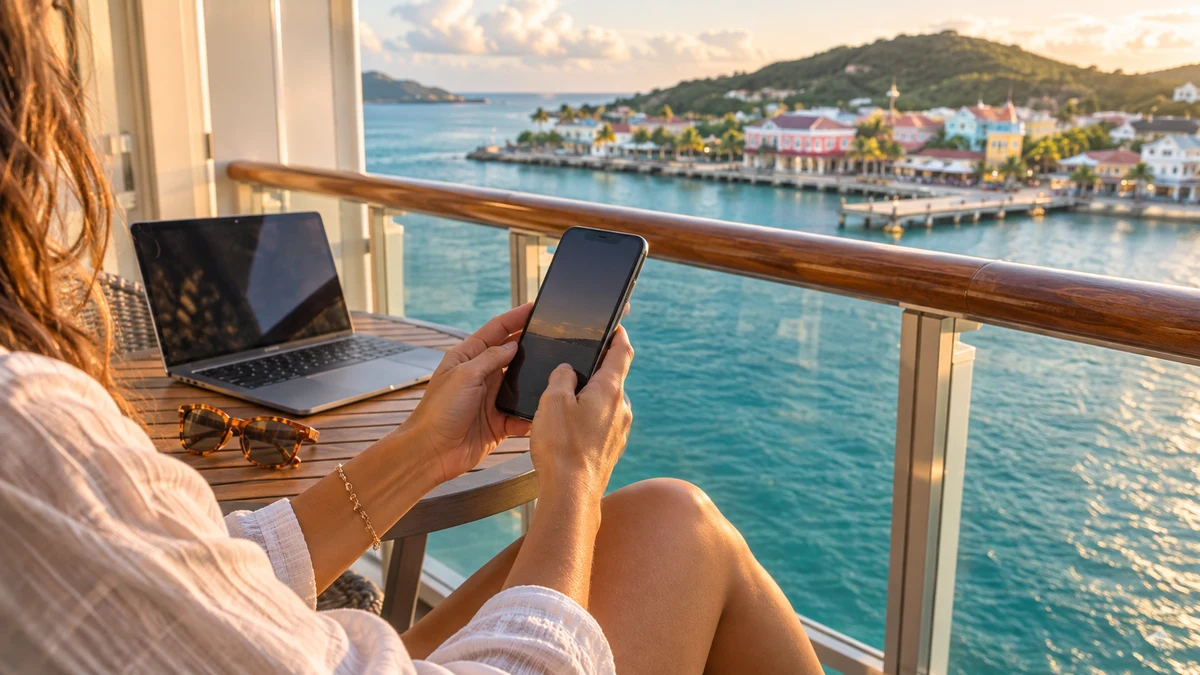
Cruising is more popular than ever. The Cruise Lines International Association forecasts 38.3 million ocean-going passengers in 2026, after a record 37.2 million in 2025, according to its 2026 State of the Cruise Industry report (April 2026).
Almost every one of those travelers will log in to Wi-Fi they don't control, often on several networks in a single trip. Here's where a VPN helps, where it can't be used, and how to set it up before you leave.
Where the Real Wi-Fi Risk Is on a Cruise
A cruise puts you on more unfamiliar networks in a week than most people use in a year:
- The hotel near the port the night before you board.
- The cruise terminal, where hundreds of people are waiting with phones out.
- Cafés, bars and "free port Wi-Fi" at every stop, often with no password at all.
- The ship's own network, shared by thousands of passengers.
Onshore networks are the bigger worry. Anyone can set up a hotspot named "Free Port WiFi" near a busy dock, and your phone has no way to tell whether it's run by the café or by someone sitting nearby. On a fake or poorly run network, the person running it can see which sites you visit and can try to send you to fake login pages.
The ship's network is more controlled, but it's still shared. The Shipowners' Club, a marine insurer, recommends that passenger vessels separate guest Wi-Fi from ship systems. It also advises passengers to use a VPN on public Wi-Fi and to treat it as suitable for general browsing.
See how CyberFence protects you on shared Wi-Fi
Watch CyberFence encrypt a phone's connection on hotel, airport and café Wi-Fi.
Watch the Hotel. Airport. Café. film
Select play to load YouTube, then start the film in the player. YouTube processes data when loaded; its privacy policy applies.
Watch on YouTube (opens a new tab)
Read the video transcript
Is this network safe to use? You ask it at every stop on a trip.
At the hotel, turn on CyberFence, and your laptop's connection is encrypted through US-based servers. At the airport, the Network view on your phone shows the network you're on, and whether it's secured. At the café, one tap connects your iPad.
Sign in on each device with the same account.
Hotel. Airport. Café. CyberFence comes with you. Get protected today.
Can You Use a VPN on the Ship's Wi-Fi?
This is where cruises differ from hotels. Each line sets its own rules, and they change. Here's what some lines say on their own pages today:
- Carnival: its internet plans page says "VPN connections are not supported" and tells guests who plan to work to talk with their company's IT department first. It also limits plans to one device at a time.
- Virgin Voyages: its Sailor Services FAQ says VPNs "can generally be used on packages that permit them," but the line can't provide VPN support. Its Work From Sea package is the tier built for VPN use.
- Norwegian and Seabourn: Cruise Critic's Wi-Fi guide (updated March 17, 2026) reports that Norwegian's basic Voyage plan excludes VPNs, while its Streaming Voyage package adds VPN access. Seabourn's Stream package includes VPN capability.
The practical takeaway: if a VPN matters to you on board, buy the plan that allows it. Don't count on a VPN working on the cheapest plan.
How to Set Up CyberFence Before Your Cruise
- Install and sign in at home. App stores and sign-in codes are much easier on your home Wi-Fi than on satellite internet at sea.
- Turn it on at the hotel and terminal. Connect to the network, then switch CyberFence on before you open your email, bank or booking apps.
- On the ship, sign in to Wi-Fi first. Many ships use a sign-in page that a VPN can block. Virgin Voyages tells guests to turn off their VPN and private DNS to load it. Sign in, then turn CyberFence back on if your plan allows it.
- Expect the ship's app to need direct access. Virgin notes its Sailor app will most likely not work while a VPN is on. Switch CyberFence off briefly for the ship app, then back on.
- Turn it back on in every port. This is the step people forget, and it's the one that matters most.
Planning to Work From the Ship?
More people now bring a laptop on vacation, and some book longer sailings specifically to work remotely. If that's you, sort out three things before you go:
- Ask your IT team first. If your job requires a company VPN, find out whether it will work over satellite Wi-Fi and whether your cruise line's plan allows it. Carnival specifically tells guests to discuss VPN limits with their IT department before sailing.
- Buy the right Wi-Fi tier. Plans that allow video calls and VPN use usually cost more than basic browsing plans. Pick the plan for the work you actually need to do.
- Keep personal and work devices separate. A company laptop is usually protected and monitored by your employer's own tools. CyberFence is for your personal phone, tablet and laptop, the devices you use for your own banking, shopping and email.
A short test on your first day at sea saves frustration later. Connect, sign in, turn CyberFence on, and load a couple of sites you use every day. If it won't connect, you'll know to rely on port Wi-Fi with CyberFence on, or your own mobile data, for anything sensitive.
Other Ways to Stay Safe Online on a Cruise
- Forget port networks when you leave. Remove "Free Port WiFi"-style networks from your phone so it doesn't rejoin them automatically.
- Use your own data in port when you can. If your phone plan includes international data, it's usually safer than open café Wi-Fi. At sea, use airplane mode plus ship Wi-Fi to avoid expensive maritime roaming charges.
- Turn on two-step sign-in for email and banking before you travel, and make sure you can still receive the codes while you're away.
- Watch for travel scams. Texts and emails about "excursion refunds" or "luggage problems" are common. Check them in the cruise line's official app instead of tapping links.
What a VPN Won't Do
A VPN can't make satellite internet faster, and it may slow it slightly. It won't override a cruise line's rules: if your Wi-Fi plan doesn't support VPNs, you may not be able to connect with it on. A VPN doesn't stop phishing on its own, and Web Shield blocks known malicious sites, not every new one. A VPN doesn't hide your activity from your employer on a work-managed laptop, and the VPN provider can see connection details. And a VPN doesn't make you anonymous.
Frequently Asked Questions
Can I use a VPN on cruise ship Wi-Fi?
It depends on the cruise line and the Wi-Fi plan you buy. Carnival says VPN connections are not supported. Virgin Voyages says VPNs can generally be used on packages that permit them, but it does not support them. Norwegian includes VPN access on its Streaming Voyage Wi-Fi package. Check your line's Wi-Fi page before you sail.
Is cruise ship Wi-Fi safe for banking?
Ship Wi-Fi is a shared network used by thousands of passengers. Your banking app already encrypts its connection, but a VPN adds a layer against snooping on the network if your plan allows it. Ports, terminals and cafés onshore are riskier, because fake hotspots are easier to set up there.
Should I turn my VPN off to log in to the ship's Wi-Fi?
Often, yes. Virgin Voyages tells guests to turn off their VPN so its sign-in page can recognize them. Connect to the ship network, finish signing in, then turn CyberFence on if your plan permits VPN use.
Does a VPN make cruise Wi-Fi faster or cheaper?
No. A VPN can't make satellite internet faster and can slightly slow it, and it doesn't change what the cruise line charges for Wi-Fi.
Read Next
Bottom line
On a cruise, the Wi-Fi to worry about most is onshore: the hotel, the terminal and the café in every port. Install CyberFence before you leave, turn it on whenever you join a network you don't control, and check whether your ship's Wi-Fi plan allows VPNs before you count on it at sea.
Want to go deeper? Read how CyberFence protects other regulated industries , the CyberFence Teams product page , or CyberFence plans and pricing .