Also on CyberFence: CyberFence's industry directory for other professions · CyberFence Teams for employee VPN protection .
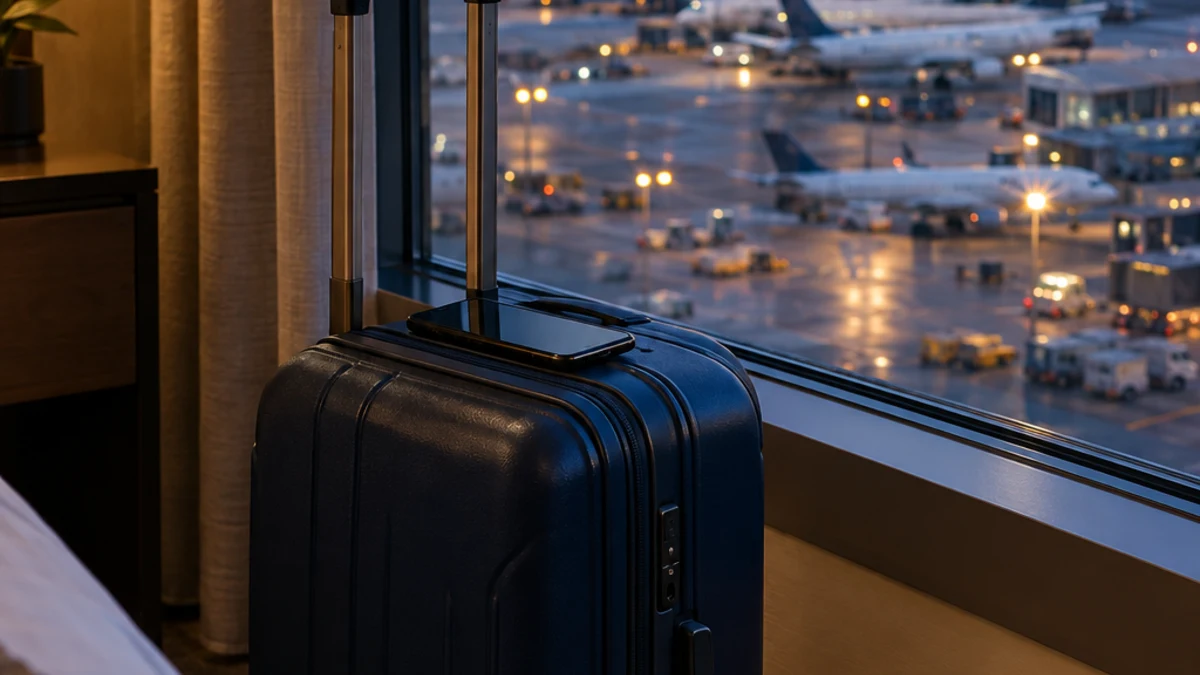
Few jobs depend on other people's Wi-Fi as much as a flight attendant's. In a single trip you might use the crew room network, airport Wi-Fi at the gate, in-flight Wi-Fi in the galley, and a crew hotel network in a city you will leave in 20 hours. Every one of those is shared with strangers, and none of them is yours.
That is exactly the environment attackers look for. This guide covers the real risks flight attendants face on the road and how a VPN fits into a simple, practical routine for your personal phone, tablet and laptop.
Protect every layover with one app. CyberFence encrypts your connection with AES-256-GCM on iPhone, iPad, Android, Mac and Windows, turns on by itself on open Wi-Fi, and blocks known phishing sites with Web Shield. Plans start at $7.99/month.
See CyberFence Plans →Crew Have Already Spotted These Attacks
Fake Wi-Fi on planes and in airports is not a theory. In April 2024, staff on a domestic flight in Australia noticed a suspicious network that copied a legitimate one and reported it. That tip led to the arrest of a man who had been running fake "evil twin" hotspots at airports in Perth, Melbourne and Adelaide and on domestic flights. According to the Australian Federal Police, his fake pages asked people to sign in with email or social media accounts, and investigators found thousands of stolen intimate images and videos and other people's login credentials. He was sentenced in November 2025 to seven years and four months in prison.
The AFP's advice afterward was direct: avoid any free network that asks for your email or social media login, and if you use public Wi-Fi, "ensure your devices are equipped with a reputable virtual private network (VPN) to encrypt and secure your data."
In August 2026, an unauthorized network called "Delta Wifi Fast" appeared on Delta flight DL591 from Las Vegas to Atlanta. Aerospace Global News reported that Delta said the network was not provided by the airline, the crew switched off onboard Wi-Fi for about 30 minutes as a precaution, and the airline said its systems were not hacked. Who created the network and whether anyone's details were taken has not been established. The lesson for crew is the same: a familiar-looking network name proves nothing.
The Risks Flight Attendants Face Most
Evil twin hotspots
An attacker sets up a network with a believable name, like the airport's free Wi-Fi or a hotel's guest network. Your phone may even join it automatically if it remembers a network with the same name. From there, the attacker can show a fake login page or watch unencrypted traffic. See whether a VPN protects from evil twin attacks.
Shared crew hotel networks
Crew hotels near airports host travelers from everywhere. Hotel Wi-Fi often uses one shared password, or none, for every guest. Microsoft has warned about attackers targeting hotel networks; read our breakdown of the Microsoft hotel Wi-Fi attack warning and whether it is safe to bank on hotel Wi-Fi.
In-flight and airport Wi-Fi
In-flight Wi-Fi is a shared network with hundreds of strangers in a sealed tube. Airport networks are some of the busiest public hotspots in the world. See whether a VPN works on airplane Wi-Fi and our guide to airport Wi-Fi risks.
Phishing aimed at your accounts
Your personal email, bank, payroll login and travel accounts are valuable. A text that says your schedule changed, your direct deposit failed, or your pass travel booking needs confirming is exactly the kind of urgent message scammers use. Always open those accounts by typing the address yourself or using the official app, not by tapping a link.
Banking from different time zones
Checking your bank from a different country every few days can look unusual to fraud systems. A VPN with US servers gives you a consistent, encrypted connection to US services while you are abroad. For more, see our guide to using a VPN when traveling abroad.
Personal Devices Only
This guide is about your personal phone, tablet and laptop. Airline-issued devices, such as the tablets many carriers use for manuals and service, are managed by your airline's IT team. Do not install a VPN or any other app on company equipment unless your airline explicitly allows it, and follow your carrier's security policies.
How CyberFence Fits a Crew Routine
- AES-256-GCM encryption scrambles your traffic so other people on the same network cannot read it.
- Auto-Protect on public Wi-Fi in the iPhone and Android apps turns the VPN on by itself when you join an open or unsecured network, so you do not have to remember in a busy crew room.
- Kill switch blocks traffic if the VPN connection drops, which happens often on spotty hotel and in-flight networks. See how a kill switch works.
- Web Shield blocks known phishing and malware sites before they load, even if you tap a bad link.
- US-operated with a zero-logs policy, so your browsing is not being sold.
- One subscription across your devices: iPhone, iPad, Android, Mac and Windows.
If you want to know whether your email has appeared in a data breach, CyberFence offers Breach Monitor as a separate product; it is not part of the $7.99 plan. See what Breach Monitor is.
A Simple Layover Checklist
- Ask for the exact network name at the hotel desk or check the airport's official signs.
- Never sign in to Wi-Fi with your email or social media account. Real hotspots rarely need that.
- Turn on your VPN before checking email, banking or your schedule.
- Turn off auto-join for public networks and "forget" them when you check out.
- Use mobile data or a personal hotspot for anything sensitive when Wi-Fi looks wrong.
- Turn on two-step sign-in for email, bank and payroll accounts.
- Keep your phone updated, and don't charge from unknown USB ports or cables.
Worried about battery on long trips? Modern VPNs use very little power; see whether a VPN drains your battery. Pilots face many of the same risks, so our guide on VPNs for pilots is worth a read too.
The Bottom Line
Flight attendants connect to more untrusted networks in a week than most people do in a year, and crews have already been the ones to catch fake hotspots in the air. A VPN on your personal devices, plus a few simple habits, keeps your accounts and personal life private from gate to hotel and back.
Your network changes every day. Your protection shouldn't. CyberFence keeps your personal devices encrypted with AES-256-GCM, blocks known phishing sites and cuts traffic if the connection drops. Monthly $7.99, or $88.21 a year ($7.35/month).
Get CyberFence →Want to go deeper? Read how CyberFence protects other regulated industries , the CyberFence Teams product page , or CyberFence plans and pricing .