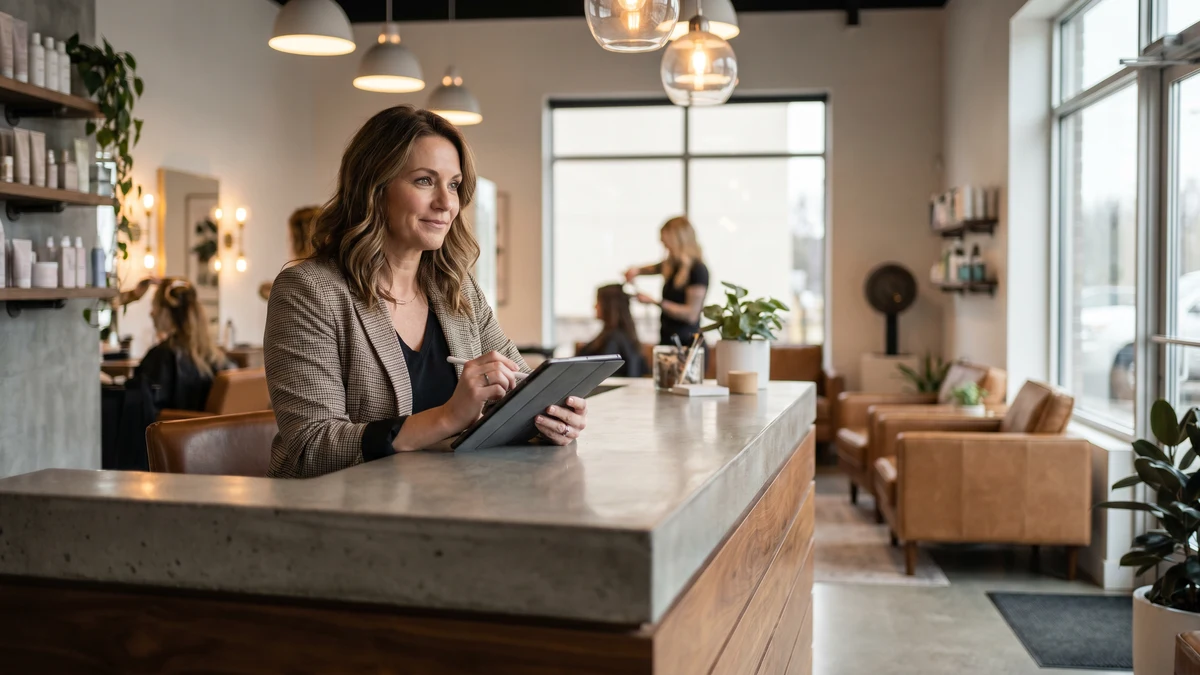
Running a salon, spa, tattoo studio, or beauty business means you're constantly handling more sensitive data than most owners realize: client contact information, payment cards, appointment histories, employee schedules, and payroll. Most of that moves through booking apps, point-of-sale systems, and social media accounts that sit on the same Wi-Fi network your clients use while they wait.
Cybercriminals have noticed. Beauty and personal care businesses are increasingly targeted precisely because they process significant payment volume, store client PII, and rarely have dedicated IT support. A VPN is one of the simplest and most cost-effective protections available.
What's Actually at Risk in a Salon Business
Walk through a typical salon's digital footprint and the exposure becomes clear:
- Booking system with client database — names, phone numbers, email addresses, appointment history, sometimes credit cards stored on file for deposits and no-shows
- Point-of-sale system — processes every card transaction; a compromised POS captures payment data from every client who pays
- Instagram and social media accounts — your business's primary marketing channel and often directly tied to revenue through DMs and booking links; account takeovers are common
- Business banking and payroll — accessed from the same devices you use for booking and inventory
- Employee records — Social Security numbers, bank account details for direct deposit, personal contact information
- Supplier accounts — vendor portals for ordering color, supplies, and equipment often have payment methods on file
A breach touching any of these can result in client credit card fraud, business account takeover, payroll redirection fraud, or loss of your social media presence — which for a beauty business can directly mean lost bookings and revenue.
The Shared Wi-Fi Problem
Most salons offer client Wi-Fi — it's a standard amenity. The problem is when your client-facing network is the same network your booking system, payment terminal, and back-office devices run on.
When a malicious actor connects to your guest Wi-Fi and your business systems are on the same network, they may be able to attempt access to shared network resources, intercept unencrypted traffic, or scan for connected devices. Network segmentation — keeping client Wi-Fi completely separate from business operations — is the right technical fix.
But even with proper segmentation, your business devices are still on a network that handles external connections. When you or a staff member accesses booking software, checks business email, or processes a refund, a VPN ensures those sessions are encrypted end-to-end regardless of the network underneath.
Protect Your Salon's Business Devices
CyberFence encrypts every connection from your booking tablet, POS terminal, and management devices with AES-256-GCM encryption. US-operated, zero logs, built for small business.
See Plans →Instagram Account Security: The Overlooked Risk
For beauty professionals, Instagram is often the business. Portfolios, booking links, client communication, product promotion — the entire client acquisition pipeline runs through it for many stylists, tattoo artists, and estheticians. Losing access to that account can be catastrophic.
Instagram account takeovers targeting beauty professionals have become a common scam. The typical method: a phishing message impersonating Instagram support, a fake brand partnership offer, or a credential-stuffing attack using passwords exposed in other data breaches. Once attackers have your login, they lock you out and either hold the account for ransom or use it to scam your followers.
A VPN protects the login sessions themselves — ensuring your Instagram credentials can't be intercepted when you log in on public Wi-Fi or at a client location. Web Shield DNS filtering adds another layer by blocking known phishing domains before fake login pages ever load.
Pair this with two-factor authentication on your Instagram account, and account takeover becomes dramatically harder.
Booking Software Security
Whether you use Vagaro, Booksy, Square Appointments, Mindbody, or another booking platform, these systems hold your entire client list — often including stored payment methods for deposits. They're also accounts that stylists and staff access from their personal phones, from home, and from various locations throughout the day.
When a staff member logs into your booking system from a coffee shop's Wi-Fi, or from their home network without proper security, that login session is potentially exposed. An intercepted credential gives an attacker access to your entire client database and, depending on the platform, could allow them to cancel appointments, issue refunds to fraudulent accounts, or access stored payment information.
A VPN on every staff device that accesses your booking system ensures those login sessions are encrypted regardless of location. For a multi-stylist salon where several people access the same platform, this is a meaningful risk reduction.
Payment Processing in the Chair
Many salons now process payments on iPads or iPhones using Square, Stripe, or similar mobile readers — directly at the styling station. When that transaction goes through, it travels from the payment reader to the processor over whatever network the device is connected to.
If that's your salon's Wi-Fi, the security of that transaction depends entirely on the security of your network. If you're at a pop-up event, a bridal suite, or a client's home, it may be on an entirely unfamiliar network. A VPN ensures that payment data travels through an encrypted tunnel to the processor, protecting both your client's card data and your business's merchant account credentials.
Protecting Staff Devices
Salons with multiple stylists face an additional challenge: employee devices become part of your attack surface. A staff member who clicks a phishing link on their work-connected phone, or logs into shared systems from an unsecured personal network, can expose the entire business.
CyberFence's team plans let you cover every device in your salon — yours and your staff's — under a single account with centralized management. Every connection gets the same encryption protection, and Web Shield DNS filtering runs on every device, blocking malicious domains before they can cause harm.
What CyberFence Provides for Your Salon
- AES-256-GCM encryption on every internet connection from every covered device — booking tablets, payment iPads, phones used for business
- Web Shield DNS filtering — automatically blocks known phishing sites, malware delivery domains, and social media account takeover pages
- Zero-log policy — your business activity is never recorded or stored
- US-operated infrastructure — your data is protected under US law
- Team coverage — protect all staff devices from a single account
- One-tap connection — no technical expertise required; your staff can enable it with a single tap
The Simple Risk Calculation
A single client card compromised through your POS can result in a chargeback, a PCI DSS investigation, and a damaged relationship with your payment processor. An Instagram account takeover can mean weeks without your primary booking channel and hundreds of lost appointment bookings. A breach of your employee records exposes you to legal liability and the cost of identity protection services for affected staff.
Against those risks, the cost of CyberFence is minimal — less than the revenue from a single hair appointment per month. For any salon owner serious about protecting their business and their clients, it's one of the most practical tools available.
Start Protecting Your Salon Today
Start your free trial through the App Store or Google Play. CyberFence runs quietly in the background while you focus on your clients.
View Plans →Quick Security Checklist for Salon Owners
- ✅ Separate client guest Wi-Fi from your business network
- ✅ Use a VPN on all devices that access booking, payment, and business accounts
- ✅ Enable two-factor authentication on Instagram, Facebook, email, and booking platforms
- ✅ Use unique passwords for every platform — never reuse passwords across accounts
- ✅ Review who has access to your booking system; remove former employees immediately
- ✅ Back up your client list regularly to a secure offline location
- ✅ Train staff to recognize phishing messages impersonating Instagram, booking platforms, or payment processors
None of these steps require an IT background. They take an afternoon to set up and protect the business you've built.