Also on CyberFence: CyberFence's industry directory for other professions · CyberFence Teams for employee VPN protection .
Quick answer
Do virtual assistants need a VPN?
Yes, if you sign in to clients' email, calendars, payment tools or social accounts, especially from cafés, coworking spaces or travel. A VPN encrypts your connection so people on the same Wi-Fi can't read or tamper with it. It won't stop a phishing email or a fake client on its own, so pair it with a password manager and two-step sign-in.
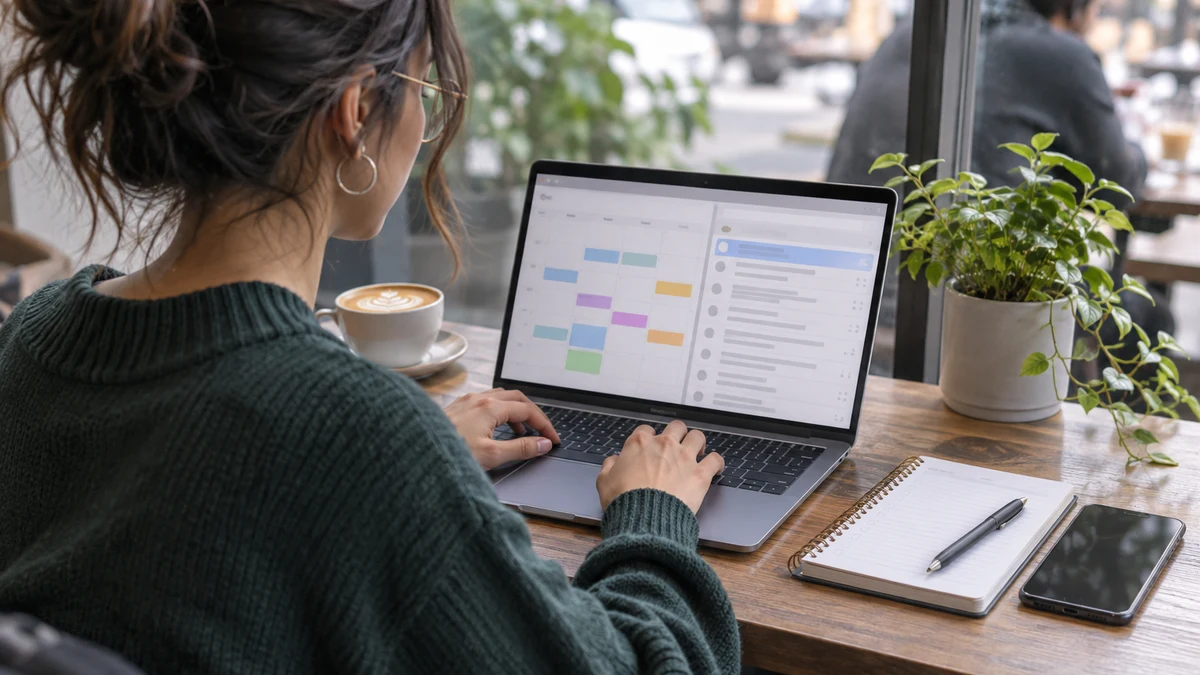
A virtual assistant often has more access than anyone else in a client's business: the inbox, the calendar, the invoicing tool, the social accounts and sometimes the bank portal. And you might be logging in to all of it from a café table, a coworking space or a hotel lobby.
That access is what makes you valuable, and it's also what makes you a target.
Why Virtual Assistants Are a Target
Attackers go where the access is. A virtual assistant who manages five clients holds the keys to five businesses, often on one personal laptop. If that laptop or one of those logins is compromised, every client is exposed.
Personal devices are a known weak spot. The Verizon 2025 Data Breach Investigations Report found that 46% of systems infected with password-stealing malware that held business logins were unmanaged devices with both personal and business credentials on them. That describes most freelance assistants' laptops.
The work itself also attracts scams. The FTC said in July 2025 that reports about job scams tripled from 2020 to 2024, with reported losses rising from $90 million to $501 million. Fake "clients" who send checks, ask you to buy equipment from their vendor or want you to move money are a common pattern in remote admin work.
When a client account is misused, the client rarely blames a hacker they've never heard of. They blame the person who had the login. For a virtual assistant, one incident can cost a contract, a referral and a review.
See CyberFence on a Mac or Windows laptop
Watch how CyberFence connects on your computer, so client logins stay encrypted on any network.
Watch the Windows film
Select play to load YouTube, then start the film in the player. YouTube processes data when loaded; its privacy policy applies.
Watch on YouTube (opens a new tab)
Read the video transcript
Your PC goes everywhere you work: home, the office, a hotel, a café. Every new network is one you didn't set up.
Turn on CyberFence, and your connection is encrypted through US-based servers. The Network view shows the Wi-Fi you're on, and whether it's secured. Web Shield turns on with the VPN and blocks known malicious sites. With split tunneling, you choose which apps use the VPN.
Built for Windows 10 and 11, in light or dark theme, in thirteen languages.
CyberFence for Windows. Built for your PC. Get protected today.
See CyberFence on a Mac or Windows laptop
Watch how CyberFence connects on your computer, so client logins stay encrypted on any network.
Watch the Mac film
Select play to load YouTube, then start the film in the player. YouTube processes data when loaded; its privacy policy applies.
Watch on YouTube (opens a new tab)
Read the video transcript
Your Mac holds the work that matters: email, banking, client files, your photos. And it joins networks you don't control.
On Mac, turn on CyberFence, and your connection is encrypted through US-based servers. Turn on Kill Switch, and if the VPN drops, your internet is blocked until it reconnects. The Network view shows the network you're on, and whether it's secured.
Built for Mac, in light or dark theme, in thirteen languages.
CyberFence for Mac. Built for your Mac. Get protected today.
Where a VPN Helps a Virtual Assistant
Public and shared Wi-Fi. Café, coworking, library and hotel networks are shared with strangers. A VPN wraps your traffic in an encrypted tunnel to the VPN server, so someone on the same network can't read it or redirect you to a fake sign-in page through the network itself.
Your internet provider. At home, a VPN keeps your internet provider from seeing which sites and services you connect to. It moves that visibility to the VPN provider instead, which is why the provider's privacy policy matters.
Known bad links. CyberFence's Web Shield blocks known malicious and phishing sites while CyberFence is connected. If a fake invoice email links to a site that's already on the blocklist, the page won't load. New sites appear every day, so this is a safety net, not protection against every scam.
Working while you travel. If you assist US clients while traveling, connecting to a US server can reduce "unusual sign-in" alerts on their accounts and keep your connection encrypted on hotel and airport networks.
A Simple Security Setup for Virtual Assistants
A VPN is one layer. Here's the rest of a setup that protects you and your clients without slowing you down:
- Use a password manager with shared vaults. Ask clients to share logins through a password manager instead of email, text or spreadsheets. When the contract ends, they remove your access in one step.
- Turn on two-step sign-in for every client account, ideally with an authenticator app. Agree with each client on who holds the backup codes.
- Keep client work in a separate browser profile. One profile per client, or at least one for all client work, keeps cookies and saved logins away from your personal browsing.
- Never move money on instructions from a new email or chat. Confirm payment requests by phone with your client, using a number you already have.
- Keep your laptop updated and don't install cracked software or "free" templates from unknown sites. Those are common ways password-stealing malware gets in.
- Tell clients you use a VPN. It explains new sign-in locations, and it's a selling point: it shows you take their data seriously.
What to Tell Clients About Your Security
Clients increasingly ask how you'll keep their accounts safe, especially businesses that handle health, financial or legal information. Having a short, honest answer ready helps you win and keep work. You can say something like this:
- "I connect through an encrypted VPN whenever I work outside my home office, and on my home network too."
- "I keep your logins in a password manager, never in email or documents, and you can remove my access at any time."
- "Every account I use for you has two-step sign-in turned on."
- "I never move money or change payment details without confirming with you by phone."
Be careful not to overpromise. A VPN is one safeguard, and it doesn't make you or your client compliant with any regulation on its own. If a client handles patient or financial records, ask what their own policies require and follow those first.
How to Spot a Fake Client
Protecting accounts starts with not handing them to the wrong person. Red flags from new "clients" include:
- They hire you after a chat-only interview and want to start immediately.
- They send a check and ask you to deposit it and forward part of the money, or buy gift cards or equipment from their vendor.
- They ask for your bank login, ID scans or Social Security number before any signed agreement.
- They want you to sign in to accounts through a link they send instead of the service's own site or app.
If something feels off, stop and report it at ReportFraud.ftc.gov.
What a VPN Won't Do
A VPN doesn't stop phishing on its own: if you type a client's password into a fake page that isn't on the blocklist, the VPN won't save it. It doesn't remove malware from your laptop. It doesn't hide your activity from a client on a laptop they manage. A VPN doesn't make you anonymous, and the VPN provider can see connection details, so choose one with a no-logs policy you can read.
Frequently Asked Questions
Does a virtual assistant need a VPN at home?
It helps. At home a VPN keeps your internet provider from seeing which sites and services you connect to. It matters most when you work from cafés, coworking spaces, hotels or shared networks, where other people share the Wi-Fi.
Can a VPN protect my clients' passwords?
Partly. A VPN encrypts your connection so passwords aren't readable on shared Wi-Fi. It does not protect passwords from a phishing page you type them into or from malware on your computer. Use a password manager with shared vaults and two-step sign-in on every client account.
Will a VPN trigger security alerts on my clients' accounts?
It can. Some services flag a sign-in from a new location. Connect to a server in the same country as your client when you can, and tell clients you use a VPN so a new sign-in location doesn't surprise them.
How much does CyberFence cost for one virtual assistant?
CyberFence starts at $7.99 a month, billed monthly, or $88.21 a year. It works with iPhone, iPad, Android, Mac and Windows.
Read Next
Bottom line
If you sign in to clients' accounts, you're carrying their business on your laptop. A VPN keeps those logins encrypted on any network, and Web Shield blocks known bad sites. Add a password manager, two-step sign-in and a firm "no money moves without a phone call" rule, and you're protecting your clients and your reputation.
Want to go deeper? Read how CyberFence protects other regulated industries , the CyberFence Teams product page , or CyberFence plans and pricing .