Also on CyberFence: compare CyberFence to other VPNs side-by-side · the free CyberFence security tools .
Quick answer
Is the "messages held after the outage" email from Microsoft real?
No. Microsoft says phishing emails posing as Microsoft 365 service-health notices claimed messages were held during the November 12 outage and would be deleted in 24 hours unless you clicked "Restore Messages." Real Microsoft notices don't send you to outside websites to recover mail. Don't click, report it, and if you already entered your password, change it now.
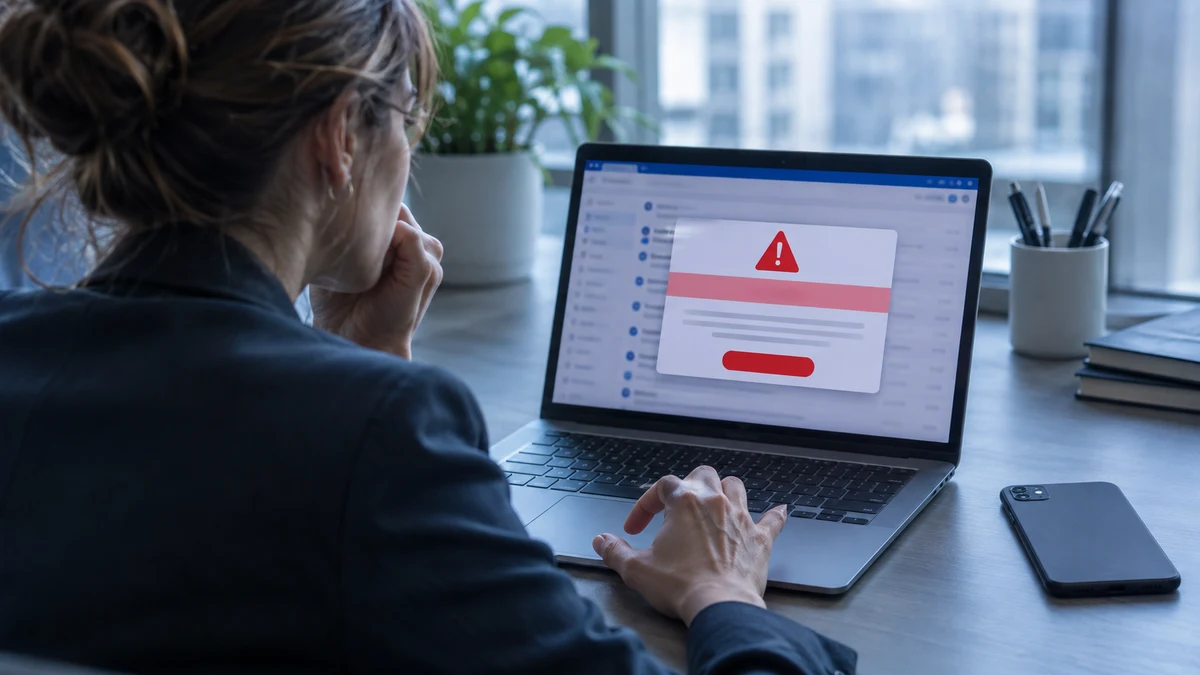
On November 12, 2026, a nearly 24-hour outage knocked out Outlook, Exchange Online, Teams and Copilot for users worldwide, BleepingComputer reported. Microsoft later traced it to a software bug, not an attack.
But scammers moved fast. The next day, Microsoft Threat Intelligence observed "a coordinated, high-volume phishing campaign" using fake outage notices to get people to click.
What the Fake Outage Email Looks Like
Microsoft published the details on November 16, 2026. If you received an email like this after the outage, treat it as phishing:
- Subject line: starts with "Outage –" followed by a random code, such as "Outage – aF7vG6."
- Sender name: a short, organization-style prefix followed by "Outage Notification" or "Service Health," for example "MSF Outage Notification."
- The claim: a number of your messages, often four, were "held" during the November 12 Exchange Online incident and will be deleted within 24 hours.
- The button: a large "RESTORE MESSAGES" or "TAKE ACTION" link.
- The detail that makes it convincing: SecurityWeek reported that some messages referenced EX1550543, the real incident number Microsoft used for the outage.
Microsoft also found hidden text inside the emails, a fake email conversation positioned so the reader can't see it, which "appears to be an attempt at mail filtering evasion." That's why some of these messages landed in inboxes instead of spam.
Why This Scam Works So Well
Phishing is most convincing when it matches something that's really happening. Millions of people had just spent a day unable to reach their email. Many were genuinely worried about missing messages from clients, patients or their boss. An email saying "your messages were held and will be deleted" plays directly on that worry.
The 24-hour deadline is the other half of the trick. Urgency pushes people to act before they think, and before they ask a coworker or IT whether the message is real.
See how Web Shield blocks known phishing sites
Watch Web Shield stop a known malicious page from loading while CyberFence is connected.
Watch the Web Shield film
Select play to load YouTube, then start the film in the player. YouTube processes data when loaded; its privacy policy applies.
Watch on YouTube (opens a new tab)
Read the video transcript
Fake websites can look exactly like the real ones. One wrong link can cost you a password, or put malware on your device.
That's where CyberFence Web Shield comes in. Built by cybersecurity professionals, it turns on with your VPN. No setup needed.
It checks the sites and links you open against CyberFence's own database of known threats. If there's a match, it's blocked. The page never loads, and nothing downloads. Safe sites open as usual.
It works in your apps too: at home, on hotel Wi-Fi, or on mobile data. On iPhone, iPad, Android, Windows and Mac.
CyberFence Web Shield. Malicious sites, blocked. Choose your plan today.
How to Tell a Real Microsoft Notice From a Fake
You don't need to be technical. Check these four things before you click anything in an outage or "held mail" email:
- Where does the button go? Hover over it on a computer, or press and hold on a phone, to see the address. Microsoft says real Microsoft 365 service-health notices "do not direct them to non-Microsoft domains to recover held mail." In this campaign, links led through tracking services to a site that had nothing to do with Microsoft.
- Who sent it? Look at the actual sender address, not just the display name. Microsoft identified sender domains such as
moments-notice.com,planetmaison.comandnewbooker.com. None of those belong to Microsoft. - Is there a countdown? "Deleted within 24 hours" is a pressure tactic. Real service notices explain what happened. They don't threaten to delete your mail unless you click.
- Can you confirm it another way? Type the Microsoft 365 address yourself, check with your IT team, or look at Microsoft's official status channels. Never use a link in the email to check whether the email is real.
Why a Real Incident Number Doesn't Make It Real
The detail that fooled many readers was the incident number. EX1550543 was a real reference Microsoft used while it worked on the outage, and it was shared widely by IT teams, news sites and social media. That's exactly why scammers used it. Anything public can be copied into a fake email in seconds.
The same goes for logos, colors, the date of the outage and even the names of real Microsoft services. None of those prove who sent a message. The only things that matter are where the email actually came from and where its links actually go. If either one isn't Microsoft or your own organization, stop.
A good rule for any service you use, whether it's Microsoft, your bank or a shipping company: if an email asks you to sign in to fix a problem, close the email and go to the service the way you normally would. If the problem is real, you'll see it there.
Other Outage Scams to Watch For
Large outages tend to produce a wave of copycat scams within a day or two. Microsoft's report shows this campaign started on November 13, while many people were still dealing with the disruption. Expect variations like these after the next big outage at any service:
- "Verify your account to restore access" emails that lead to fake sign-in pages.
- Fake refund or credit offers promising compensation for downtime in exchange for card details.
- Phone calls or texts from "Microsoft support" offering to fix your account remotely. Microsoft doesn't make unsolicited support calls.
- Fake "outage update" attachments that ask you to open a file or enable content.
If you run a small business, a short heads-up to your staff the day after any major outage costs nothing and can stop the first click. Tell them plainly: we will never ask you to restore mail through a link, and you can always check with us first.
What to Do If You Clicked or Entered Your Password
Microsoft said the activity was "likely credential phishing," although it hadn't confirmed that passwords were captured. Act as though yours was:
- Change your Microsoft 365 password right away, from a device you trust. If you reuse that password anywhere else, change it there too.
- Sign out of all sessions so anyone using a stolen sign-in is kicked out.
- Check your two-step sign-in methods for a phone number or app you didn't add.
- Look for new inbox rules or forwarding that send your mail somewhere else. Attackers often set these up quietly so they can read your mail.
- Tell your IT team if it's a work account. Microsoft advises organizations to reset passwords, revoke sessions and review sign-ins for anyone who may have entered credentials.
- Watch for follow-up scams. A stolen mailbox is often used to send fake invoices to your contacts.
How to Protect Yourself From the Next Outage Scam
There will be another outage, and another scam built around it. A few habits make you much harder to fool:
- Use phishing-resistant sign-in where you can. Microsoft recommends passkeys or security keys, which don't work on fake sites even if you're tricked into visiting one.
- Use a password manager. It won't autofill your password on a site that only looks like Microsoft, which is a useful warning sign.
- Report, don't delete. Use your email's report-phishing button so your IT team or email provider can block the campaign for everyone.
- Add a safety net for links. Web Shield in CyberFence blocks known malicious and phishing sites while you're connected, on your computer and your phone.
What a VPN Won't Do
A VPN doesn't filter email, and it won't stop you from typing your password into a fake page. Web Shield blocks known malicious sites, not every new one, so phishing that uses a brand-new site can still get through. A VPN doesn't hide your activity from your employer on a work-managed computer, and the VPN provider can see connection details. It also can't undo a stolen password. Only changing it and signing out of every session does that.
Frequently Asked Questions
Did Microsoft really hold my emails during the outage?
Mail was delayed during the November 12-13, 2026 outage, but Microsoft does not send emails asking you to click a link to restore held messages before they are deleted. Microsoft says real service-health messages do not send you to non-Microsoft sites to recover mail.
I clicked the "Restore Messages" button. What now?
If you typed your password on the page, change it right away from a trusted device, sign out of all sessions, check your two-step sign-in settings and look for new inbox or forwarding rules. If it is a work account, tell your IT team immediately.
Would a VPN have stopped this phishing email?
Not on its own. A VPN encrypts your connection; it does not filter email. Web Shield blocks known malicious sites while CyberFence is connected, which can stop a link from loading if its site is already on the blocklist, but new phishing sites may not be listed yet.
How do I check if there really is a Microsoft 365 outage?
Go to the Microsoft 365 admin center or Microsoft's official status channels by typing the address yourself, or ask your IT team. Never use a link inside an outage email to check.
Read Next
Bottom line
The "messages held after the outage" email is phishing. Real Microsoft notices don't threaten to delete your mail or send you to outside sites to restore it. Don't click, report it, and if you already entered your password, change it and sign out of all sessions now. For a safety net on the next scam link, CyberFence's Web Shield blocks known phishing sites while you're connected.
Want to go deeper? Read the CyberFence competitor comparison hub , our free privacy and security tools , or CyberFence plans and pricing .