Also on CyberFence: CyberFence's industry directory for other professions · CyberFence Teams for employee VPN protection .
Quick answer
Do recruiters need a VPN?
Yes, if you review candidates and sign in to job boards, your applicant tracking system or LinkedIn from home, cafés, hotels or events. A VPN encrypts your connection on shared networks, and CyberFence's Web Shield blocks known malicious sites, including some fake "résumé" links. Neither one scans files you download, so résumé hygiene still matters most.
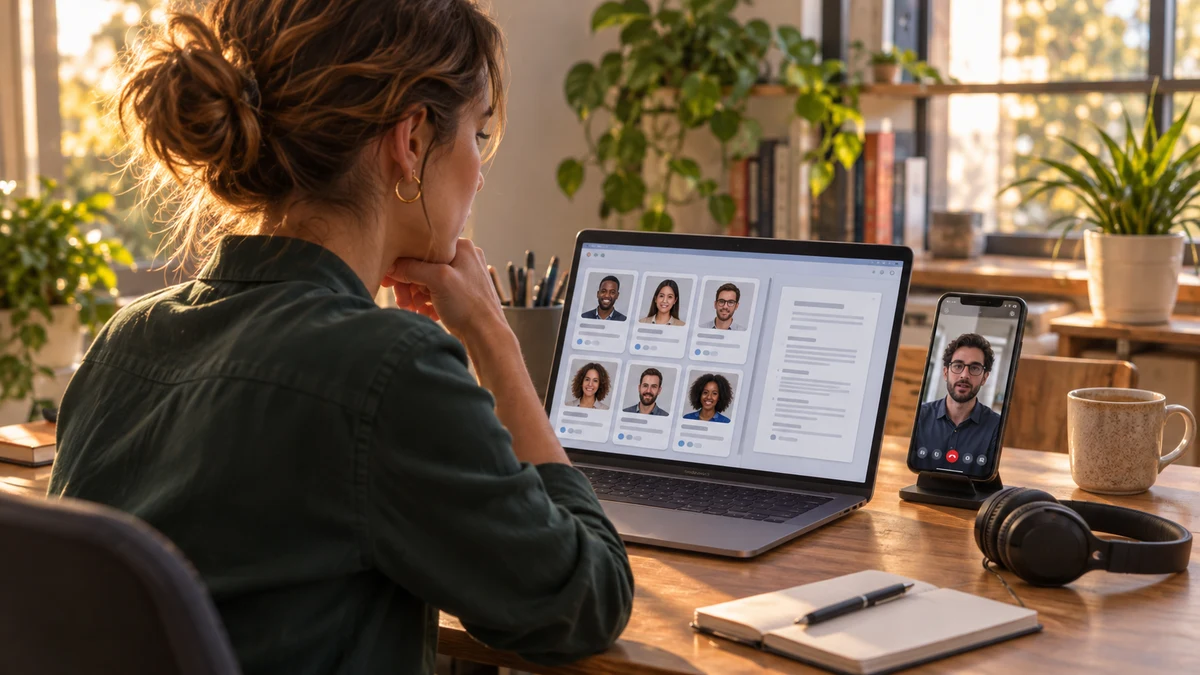
Recruiting is one of the few jobs where opening files and links from strangers is the job. Attackers have noticed. In March 2026, The Register reported on a campaign that sent HR and recruiting staff fake CVs that installed malware able to switch off security tools before stealing data.
If you're an agency recruiter, an independent headhunter or an in-house recruiter who works remotely, here's what actually protects you.
Why Recruiters Are a Target Right Now
Résumés are the perfect lure. A recruiter skimming dozens of applications a day expects attachments and links from people they've never met. According to The Register's report, the BlackSanta campaign delivered its fake CVs as disk-image files on a well-known cloud storage service, so they looked like any other shared document. Opening one kicked off hidden commands that loaded malware, disabled security tools and then hunted for sensitive files.
Your name is valuable to scammers. The FTC warned in an April 30, 2026 consumer alert about fake recruiters who "claim to be with legit companies you might know" and offer remote jobs by text, then push candidates into fake check or task scams. When your profile or agency name gets copied, candidates lose money and you lose trust.
You hold sensitive candidate data. Résumés, salary history, references, background check results and sometimes ID documents. Your applicant tracking system and job board logins are worth a lot to anyone who wants to run fake recruiting at scale.
Where a VPN and Web Shield Help
Known bad links. Many fake-résumé campaigns send a link, not a file. If the link points to a site already on the blocklist, Web Shield stops the page from loading while CyberFence is connected, so the download never starts. New sites appear every day, so treat this as a safety net, not a filter you can rely on alone.
See how Web Shield blocks known bad sites
Watch Web Shield stop a known malicious page from loading while CyberFence is connected.
Watch the Web Shield film
Select play to load YouTube, then start the film in the player. YouTube processes data when loaded; its privacy policy applies.
Watch on YouTube (opens a new tab)
Read the video transcript
Fake websites can look exactly like the real ones. One wrong link can cost you a password, or put malware on your device.
That's where CyberFence Web Shield comes in. Built by cybersecurity professionals, it turns on with your VPN. No setup needed.
It checks the sites and links you open against CyberFence's own database of known threats. If there's a match, it's blocked. The page never loads, and nothing downloads. Safe sites open as usual.
It works in your apps too: at home, on hotel Wi-Fi, or on mobile data. On iPhone, iPad, Android, Windows and Mac.
CyberFence Web Shield. Malicious sites, blocked. Choose your plan today.
Shared Wi-Fi. Recruiters work from career fairs, conference halls, hotel lobbies, coworking spaces and cafés. A VPN encrypts your traffic between your device and the VPN server, so people on the same network can't read it or tamper with it.
Your internet provider. At home, a VPN keeps your internet provider from seeing which sites and services you connect to. That visibility moves to the VPN provider instead, which is why a no-logs policy you can read matters.
Travel. If you recruit for US clients while traveling, connecting to a US server can reduce "unusual sign-in" prompts on your job board and applicant tracking accounts.
A Résumé Safety Routine That Takes Seconds
- Prefer applications that come through your applicant tracking system or job board, where files are handled by the platform, over files and links sent directly by email or chat.
- Never open disk images, shortcuts or scripts. A résumé is a PDF or a Word document. Files ending in .iso, .img, .lnk, .js, .vbs or .exe are not résumés.
- Don't enable macros or "editing" to view a CV. A real résumé doesn't need it.
- Be wary of "view my portfolio" links to unfamiliar sites, especially ones that ask you to sign in, solve a fake check or download a viewer.
- Keep your computer and PDF reader updated, and keep your security software turned on.
- Use a password manager and two-step sign-in on LinkedIn, job boards, your applicant tracking system and email. Those are the accounts attackers want most.
Protecting Your Name From Fake-Recruiter Scams
You can't stop scammers from copying your name, but you can make it harder for candidates to be fooled:
- Say clearly on your profile and website: "I never ask candidates for money, gift cards or ID documents before a formal offer."
- Recruit only from your real email domain and verified profiles, and tell candidates which ones those are.
- Report impersonating profiles to the platform as soon as candidates mention them.
- Point victims to ReportFraud.ftc.gov. The FTC says real employers don't recruit through generic, unexpected texts, WhatsApp or Telegram messages.
If You Think You Opened a Bad Résumé
It happens, especially at the end of a long day of screening. Speed matters more than embarrassment. Here's what to do:
- Disconnect the computer from the internet by turning off Wi-Fi or unplugging the network cable. That can cut the malware off from the people controlling it.
- Tell your IT team or managed IT provider right away if you work for an agency. They may need to check other machines and accounts.
- From a different, clean device, change your most important passwords: email first, then your applicant tracking system, job boards, LinkedIn and banking. Sign out of all sessions on each one.
- Run a full scan with your security software, and if anything turns up, have the computer cleaned or reset before you use it for work again.
- Watch for signs of misuse: messages you didn't send, new job posts you didn't create, password reset emails or candidates asking about requests you never made.
If candidate data could have been exposed, talk to your agency or client about whether anyone needs to be notified. Rules vary by state and by the type of data involved.
For Agency Owners
If you run a recruiting agency, your risk is the weakest laptop on the team. Make the résumé routine part of onboarding, require two-step sign-in on every shared platform, and remove access the same day someone leaves. Agencies with several recruiters can look at CyberFence Teams, which gives the owner a dashboard showing who is connected and which devices are protected.
What a VPN Won't Do
A VPN doesn't scan attachments or remove malware, so it won't stop a malicious résumé you download and open. It doesn't stop phishing on its own: Web Shield blocks known malicious sites, not every new one. It doesn't hide your activity from an agency on a laptop it manages. A VPN doesn't make you anonymous, and the VPN provider can see connection details.
Frequently Asked Questions
Can a VPN stop a malicious résumé?
No, not on its own. A VPN encrypts your connection. It does not scan files. Web Shield can block known malicious sites while CyberFence is connected, so a résumé link that points to a known bad site won't load, but new sites may not be listed yet.
Do independent recruiters need a VPN at home?
It helps. At home, a VPN keeps your internet provider from seeing which sites and services you connect to. It matters most on café, coworking, hotel and event Wi-Fi, where strangers share the network.
What should I do if scammers are using my name as a recruiter?
Report the fake profiles to the platform, warn candidates on your real profile and website that you never ask for money or ID before an offer, and report the scam at ReportFraud.ftc.gov.
How much does CyberFence cost for one recruiter?
CyberFence starts at $7.99 a month, billed monthly, or $88.21 a year. It works with iPhone, iPad, Android, Mac and Windows.
Read Next
Bottom line
Recruiters open more files from strangers than almost anyone, and attackers have started dressing malware up as résumés. Keep a strict résumé routine, protect your job board and email logins with two-step sign-in, and use CyberFence so known malicious sites are blocked and your connection is encrypted wherever you work.
Want to go deeper? Read how CyberFence protects other regulated industries , the CyberFence Teams product page , or CyberFence plans and pricing .